Every image you need, in one workspace
A free AI photo editor and image generator in one place. Edit what you upload, generate what you don't, then upscale, cut out backgrounds, and restyle without opening another tab.
0/5
AI Gallery
- Free credits on signup
- No credit card required
- Cancel anytime
A full AI photo editor, not just another image generator
Edit, upscale, cut out backgrounds, retouch, restyle, or generate from scratch. Same editor, same credits.
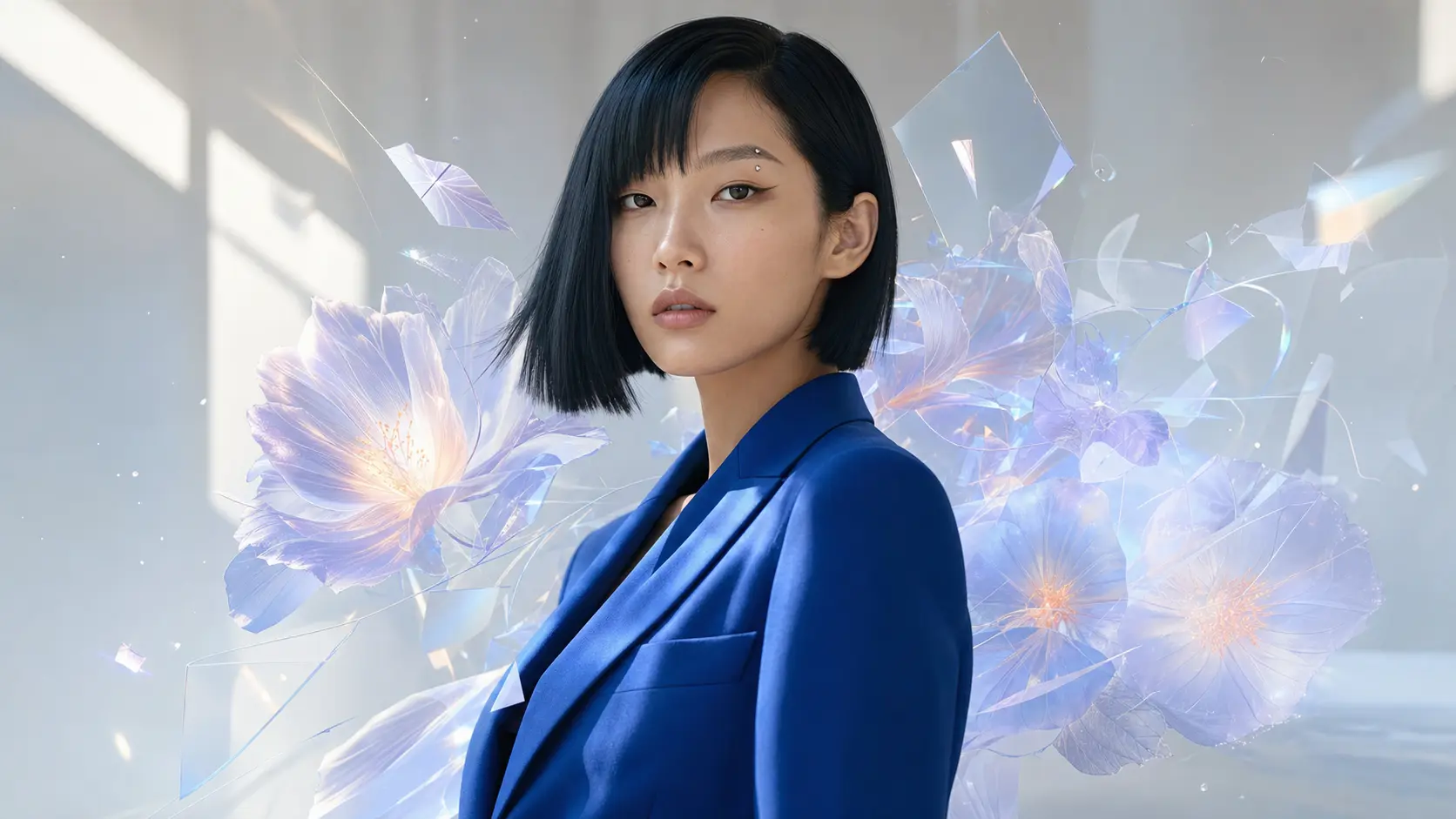
Text-to-Image
Describe it in words and get a ready-to-use image.
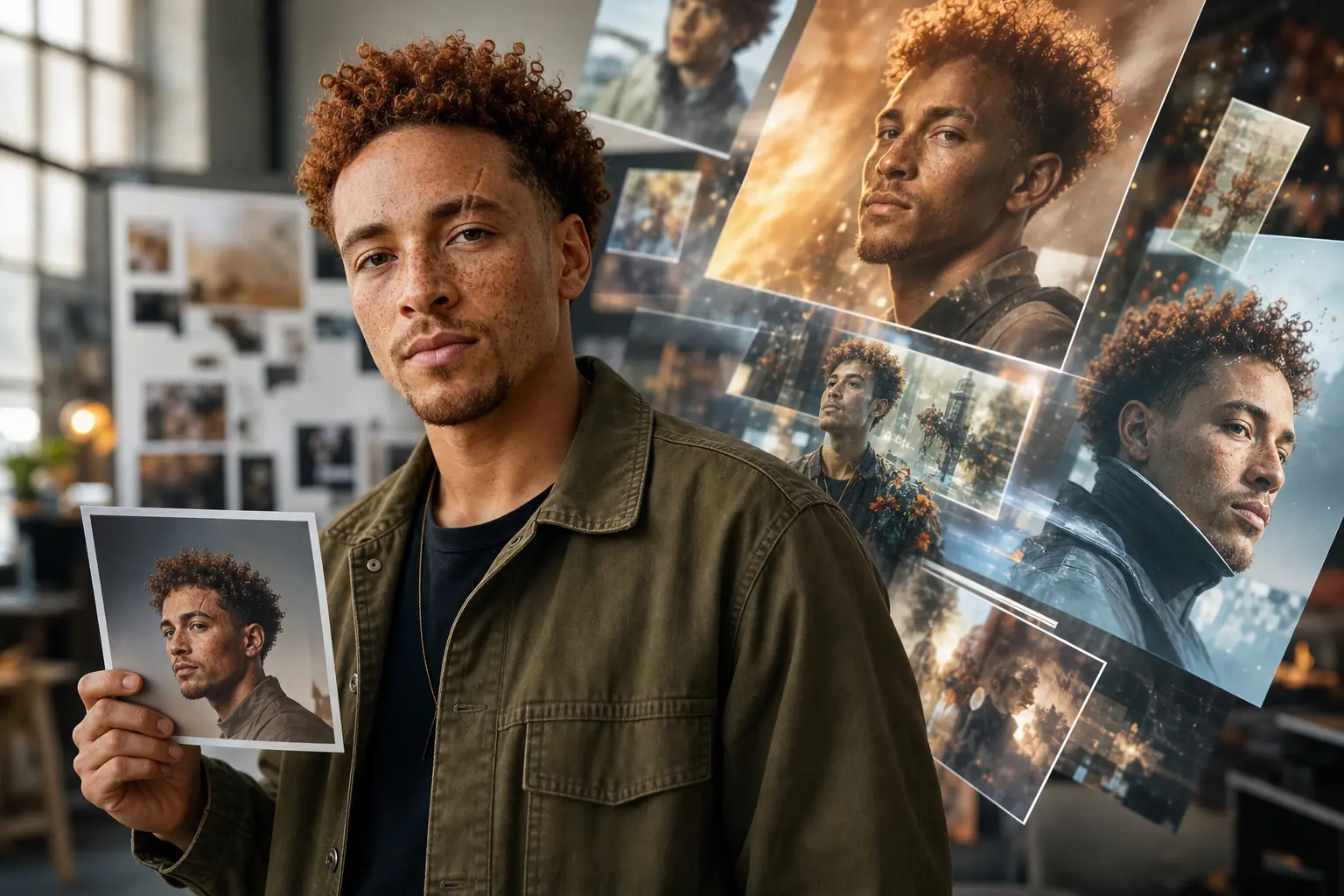
Image-to-Image
Upload a reference and reshape it with natural-language edits.
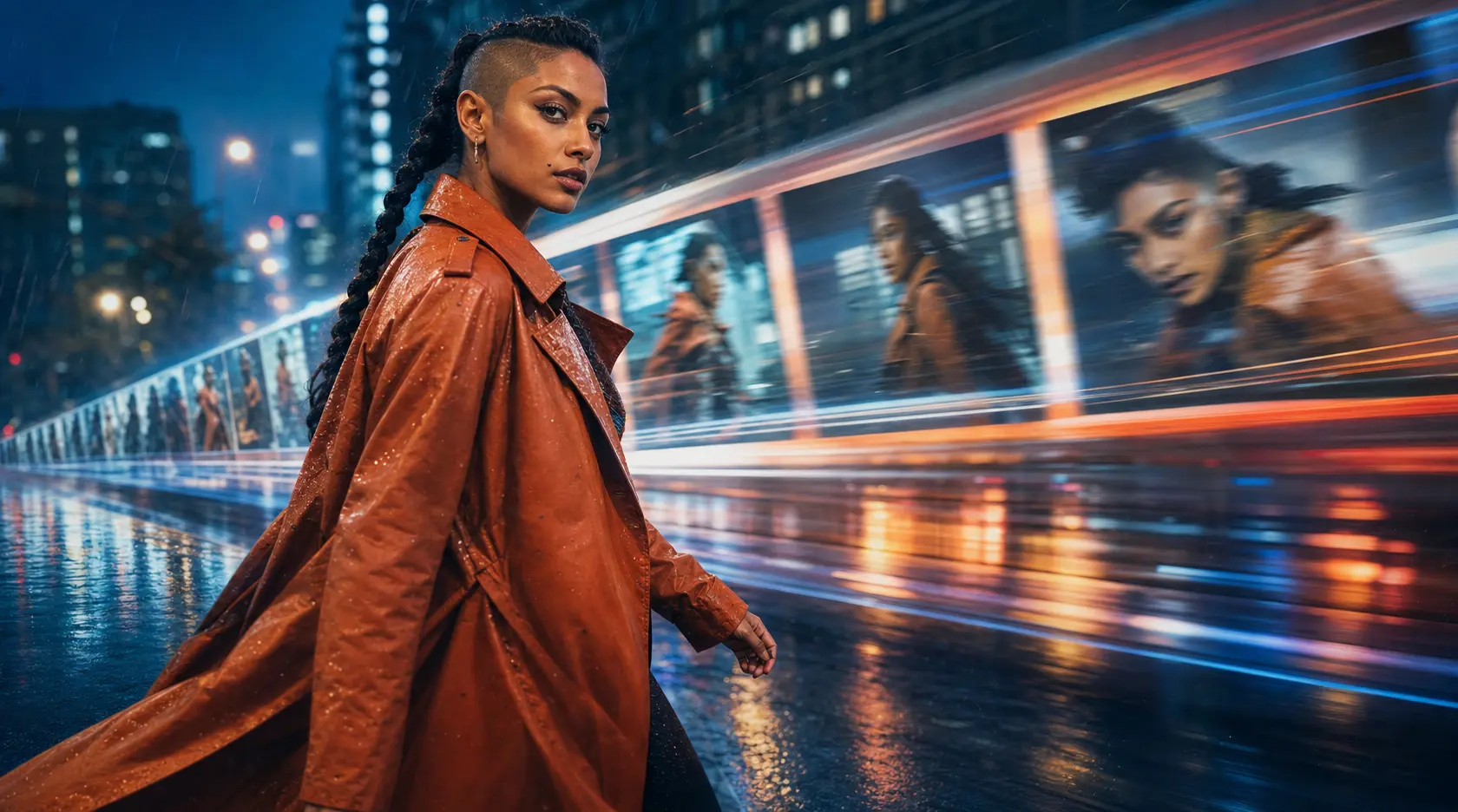
AI Video Generation
Text-to-video, image-to-video, and reference-to-video in one place.
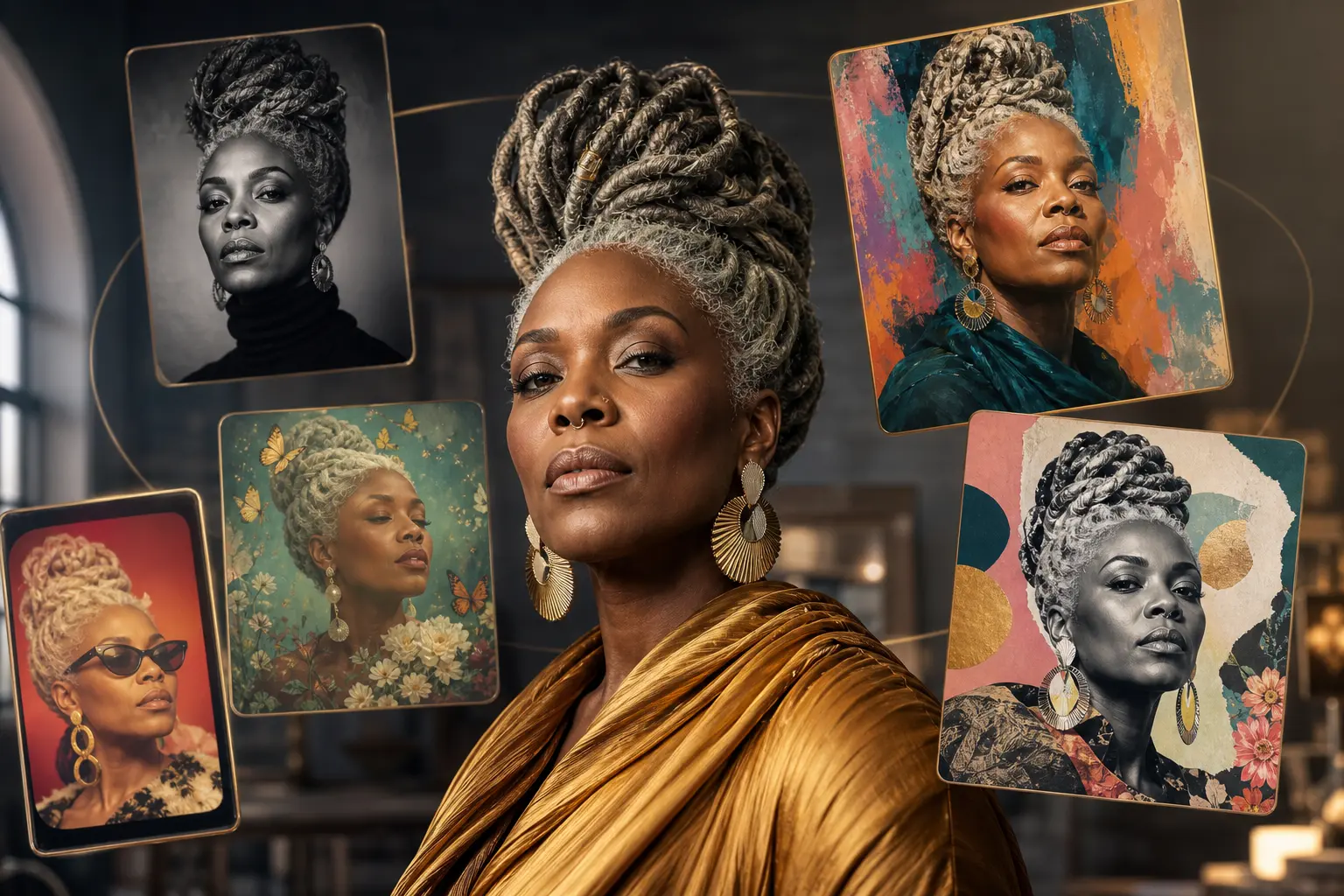
All Styles
Browse every style template in a single gallery.
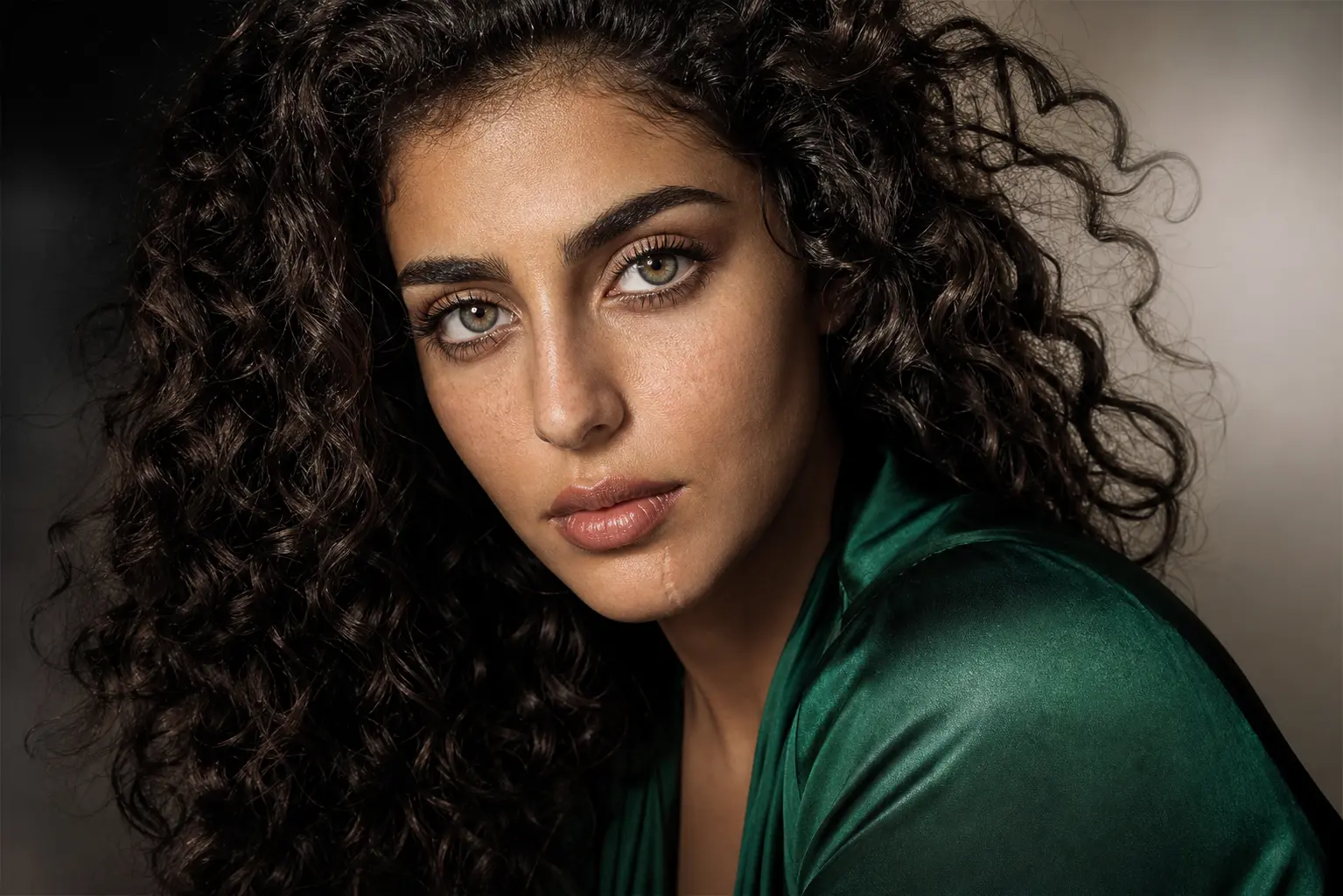
AI Image Upscaler
Upscale to 4K without losing detail.
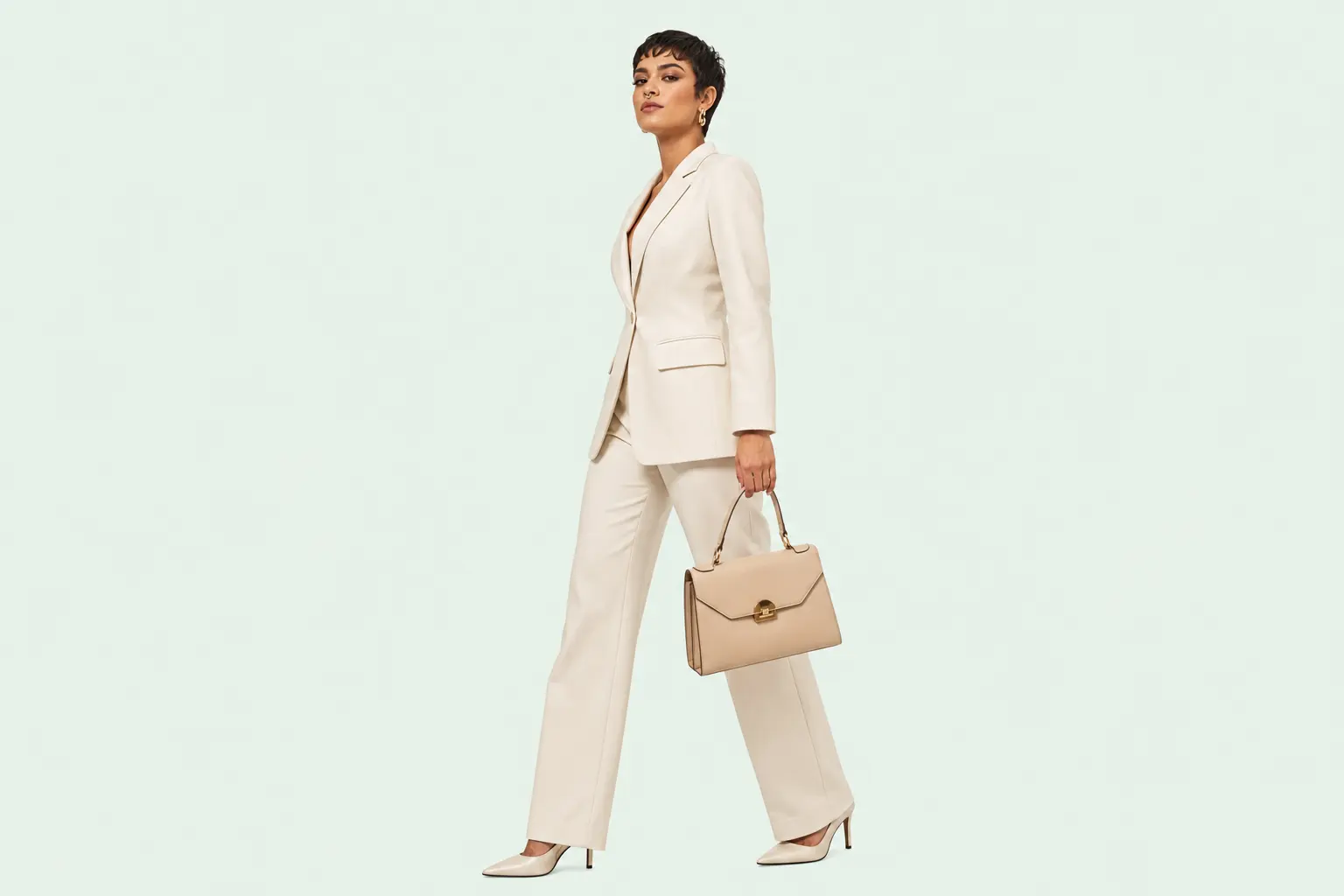
Background Remover
One-click background cutouts.
Fast fixes for the shots you already have
Swap a backdrop, remove a distraction, repaint one area, or extend the frame. All in the same editor.
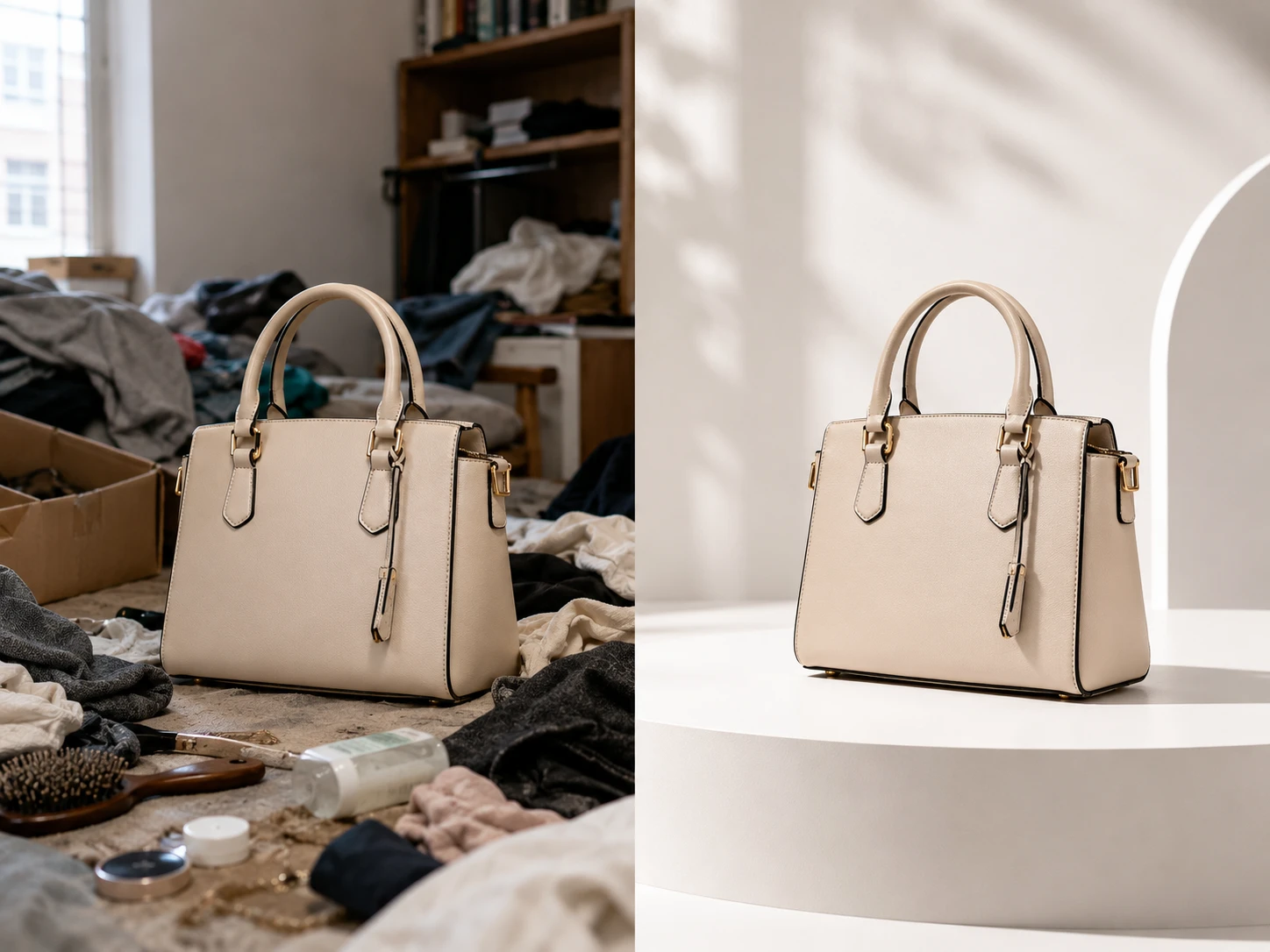
AI Background Changer
Replace plain or messy backgrounds with studio, lifestyle, or branded scenes.
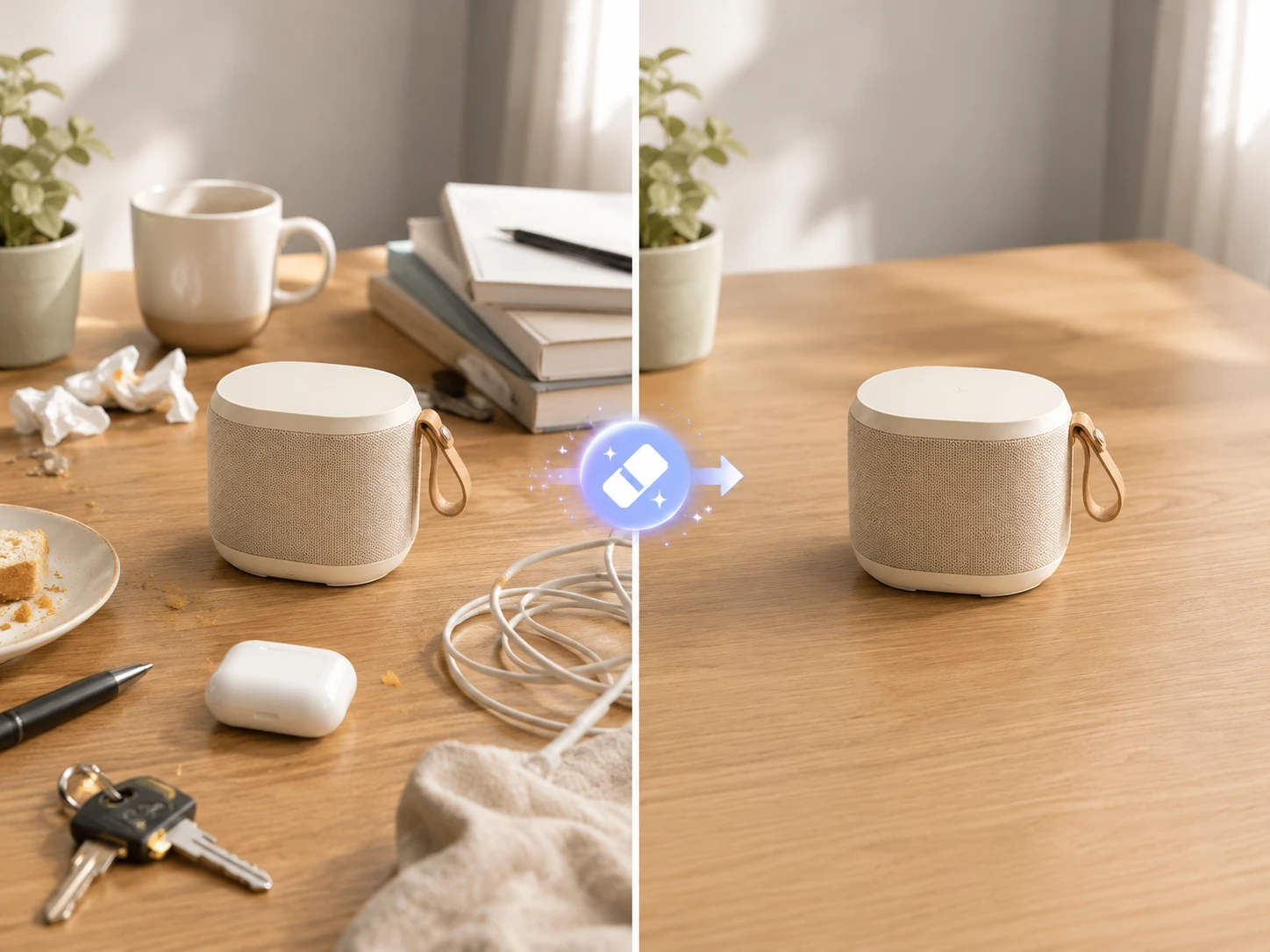
AI Object Remover
Brush away unwanted objects, people, blemishes, or visual clutter.
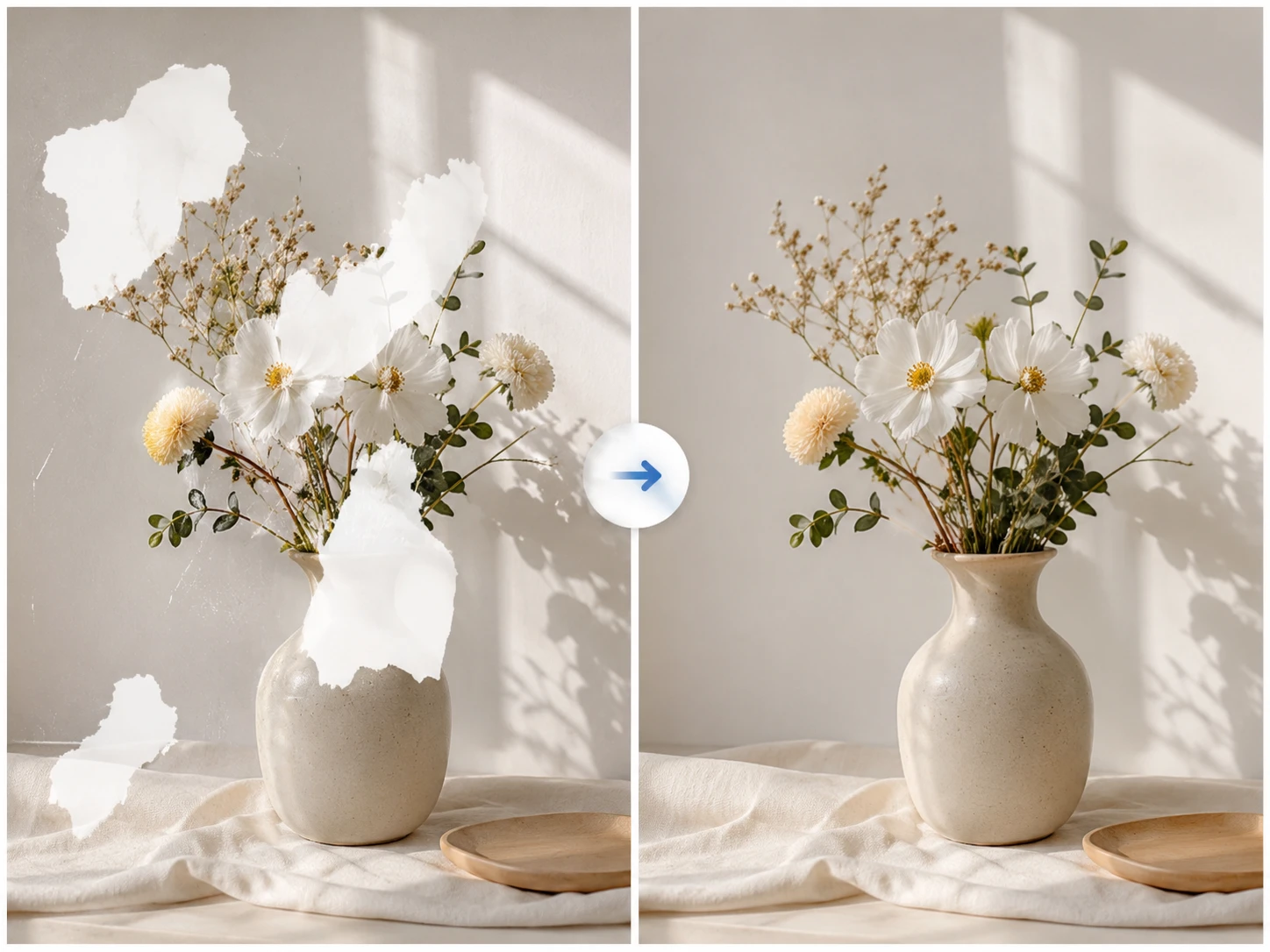
AI Image Inpaint
Mask one area and prompt a precise replacement while the rest stays put. Generative fill, without the subscription.
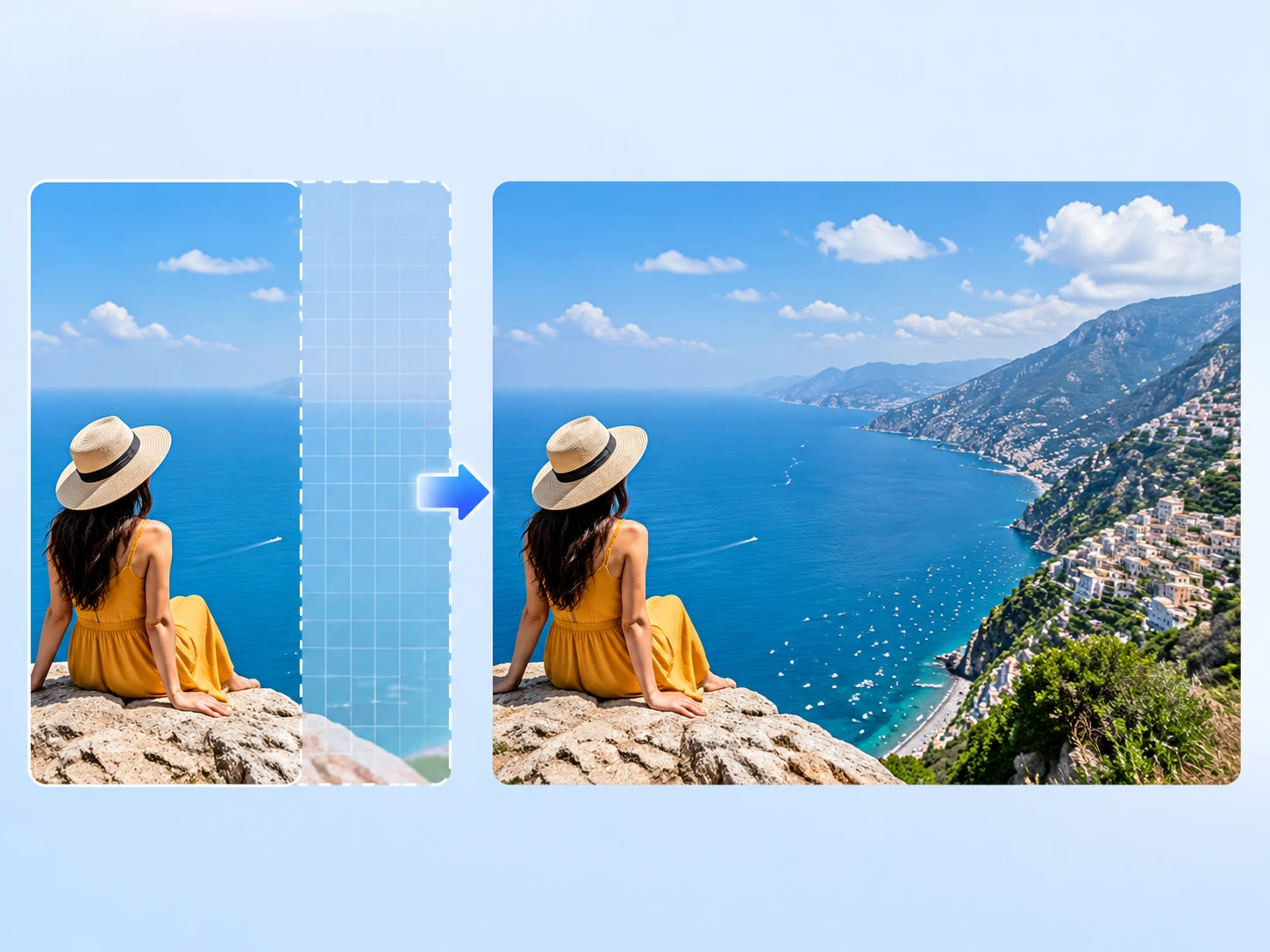
AI Image Extender
Uncrop tight images into covers, banners, ads, and wider layouts.
Find a direction, then make it yours
Browse ready-made styles and curated prompt collections. Pick one as a starting point and jump straight into the workspace.
Popular styles
View all styles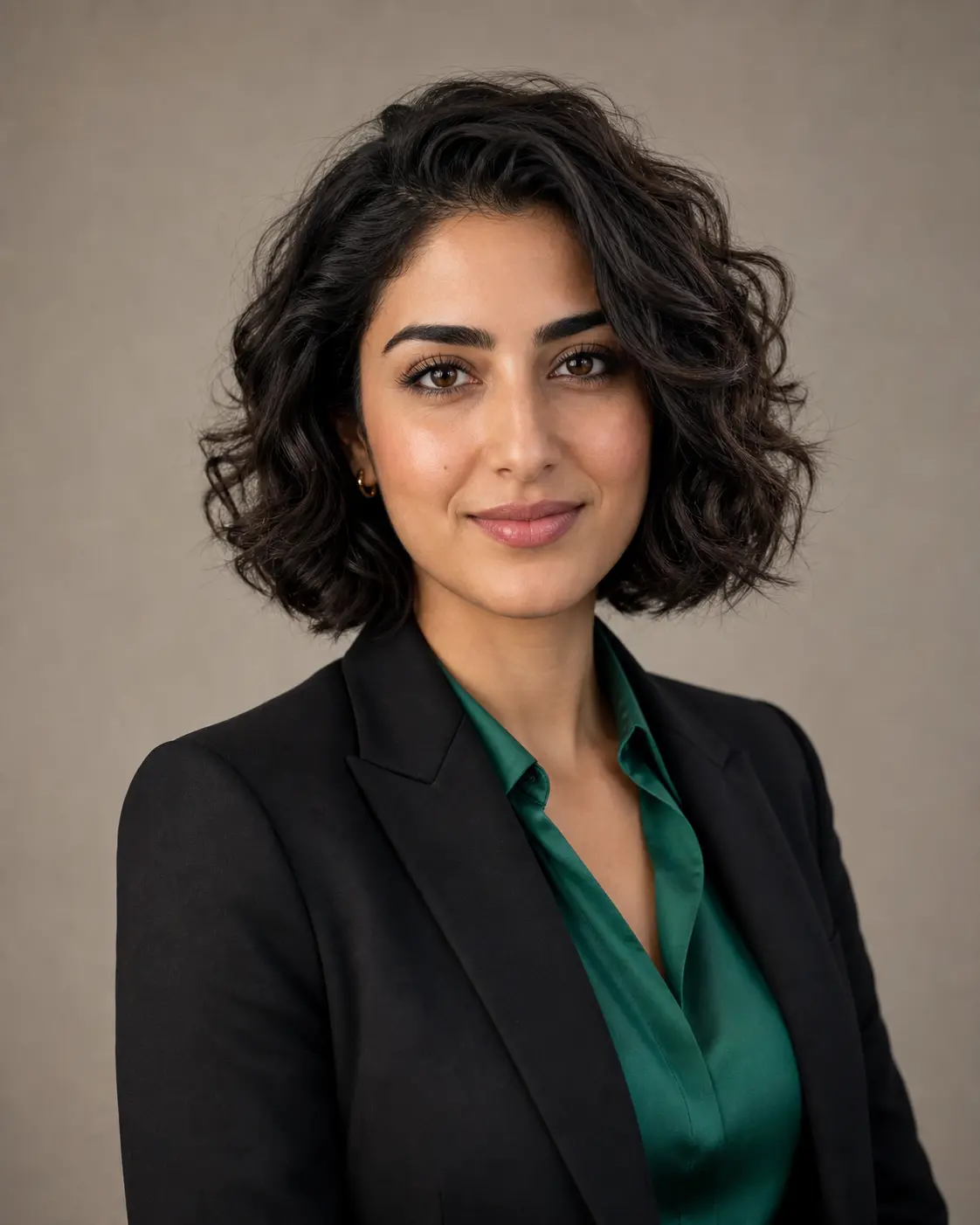
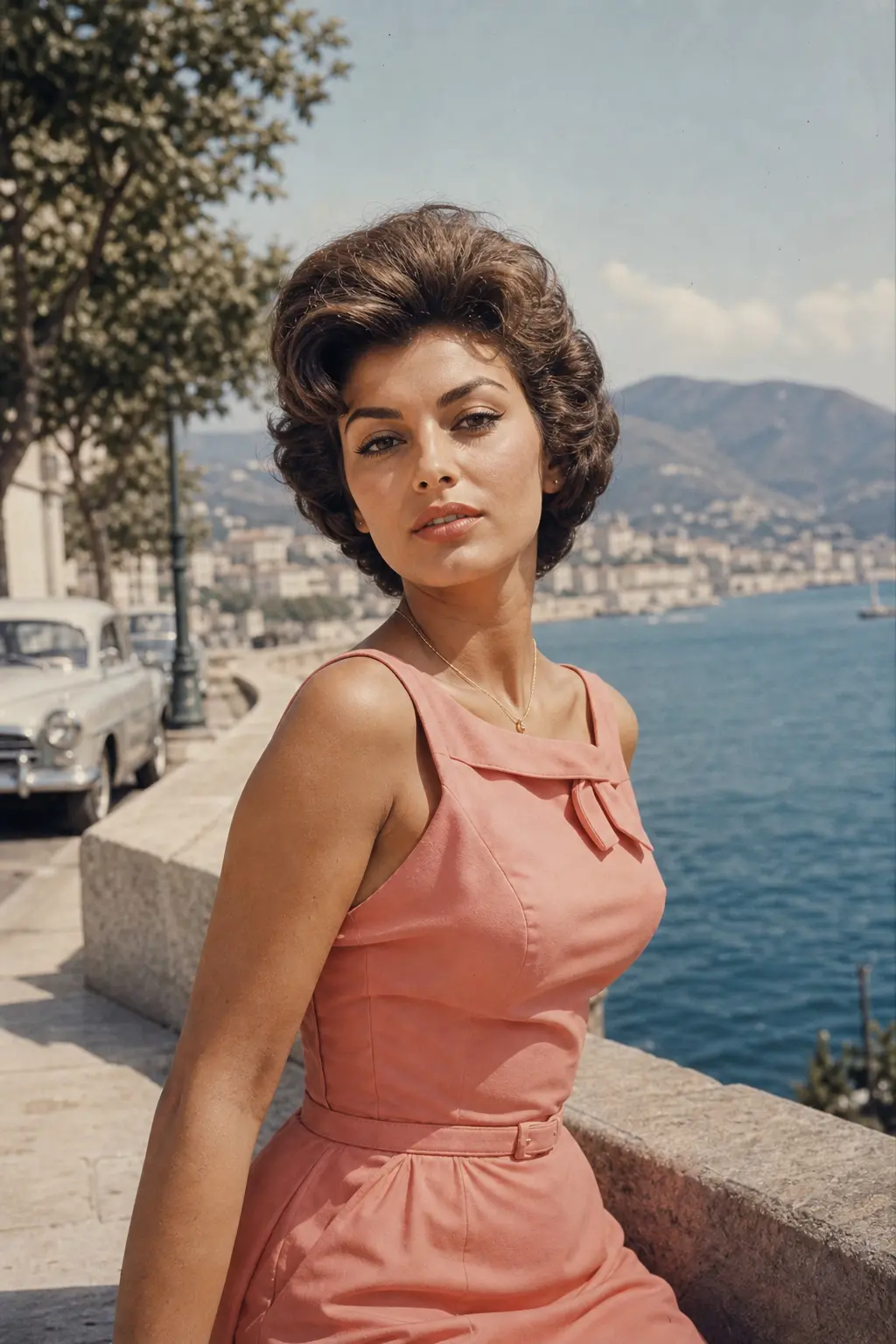
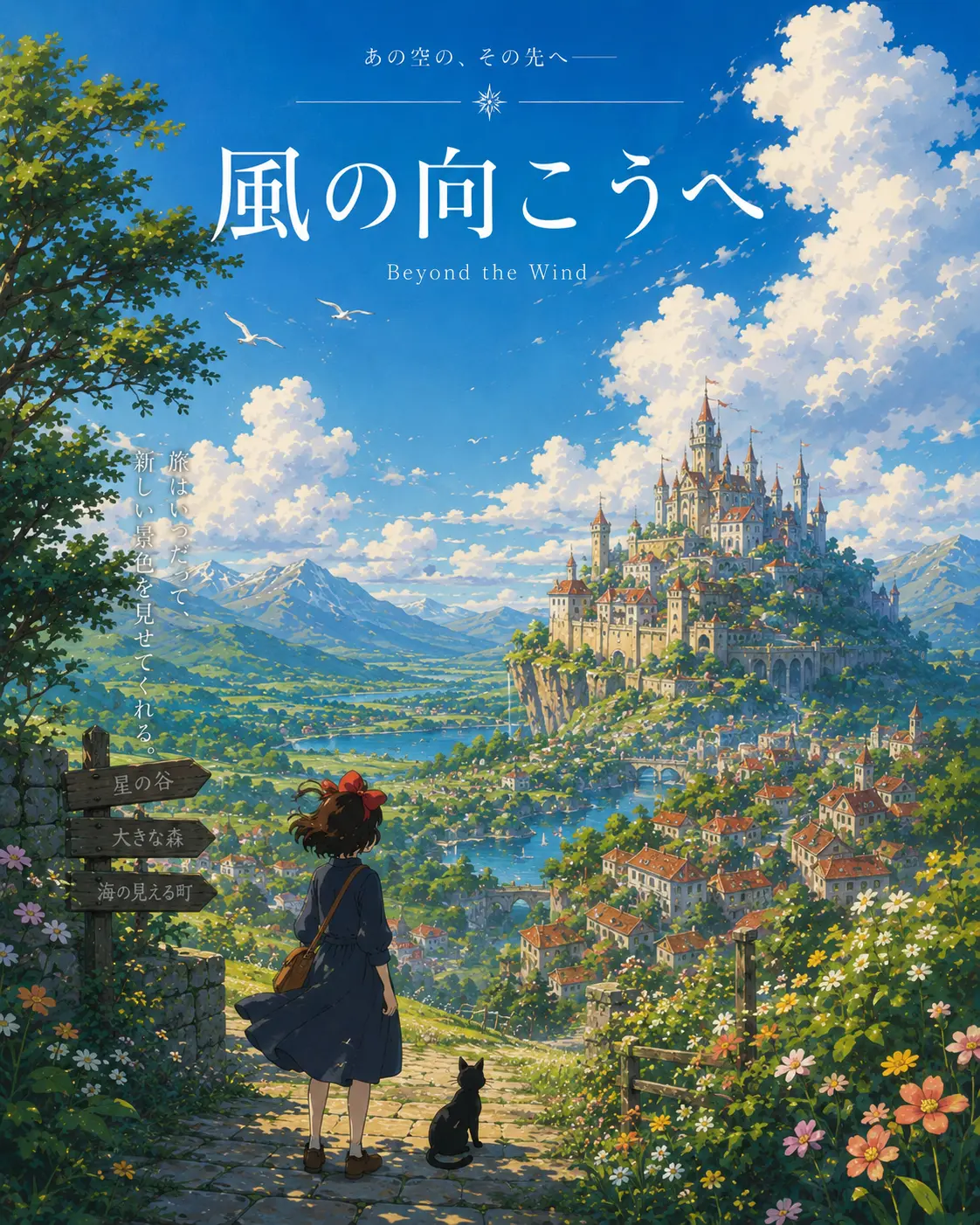
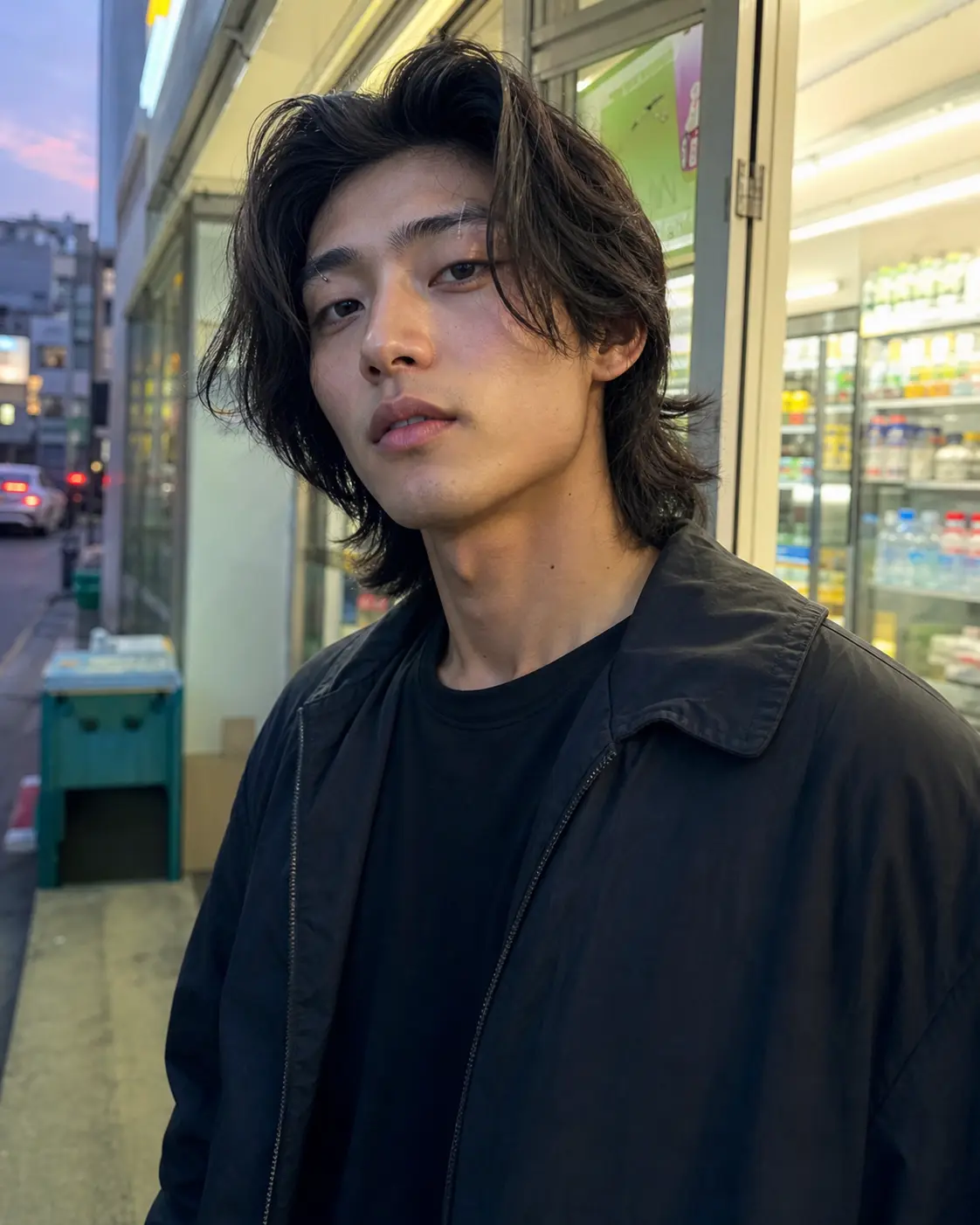
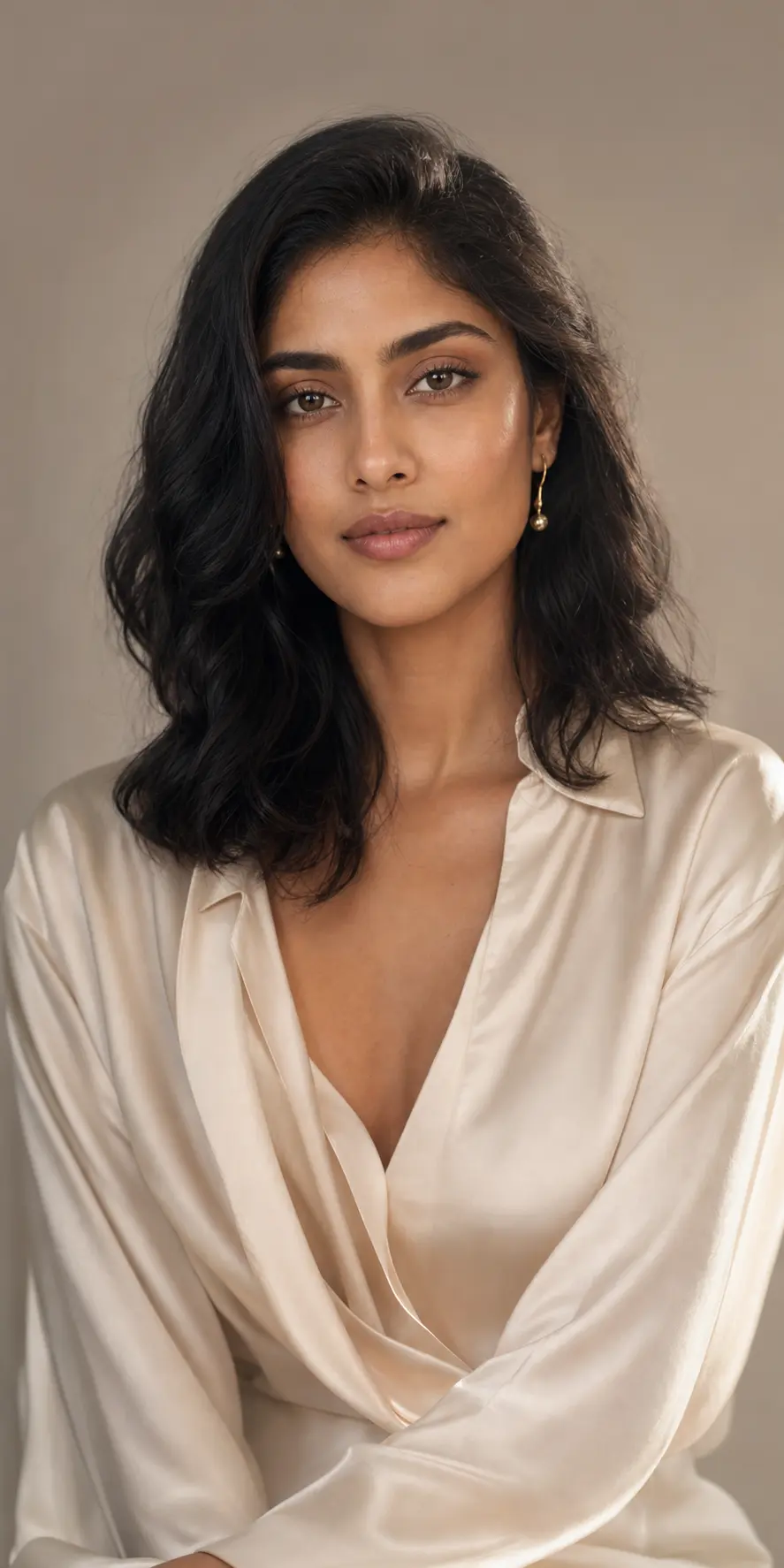
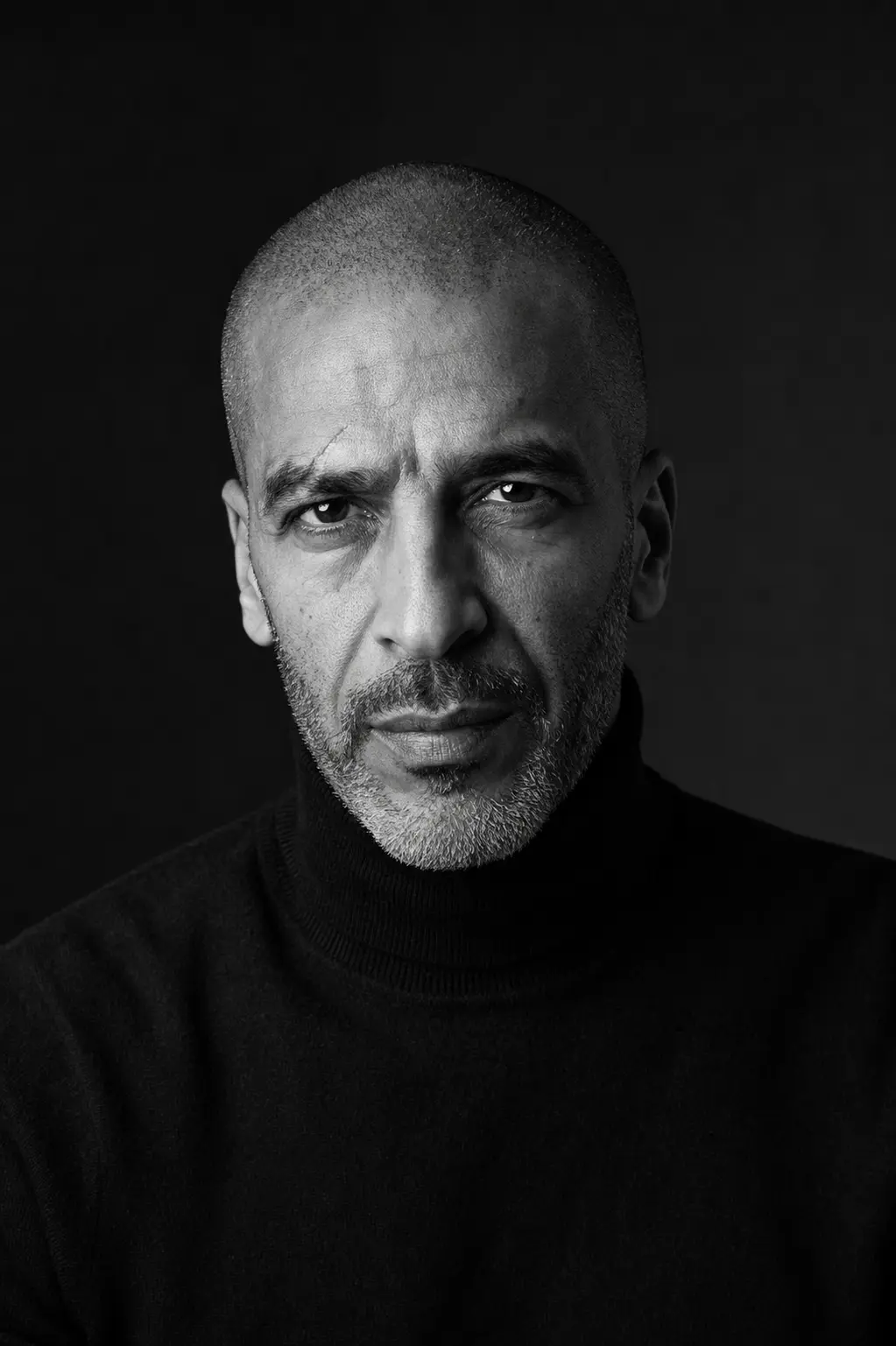
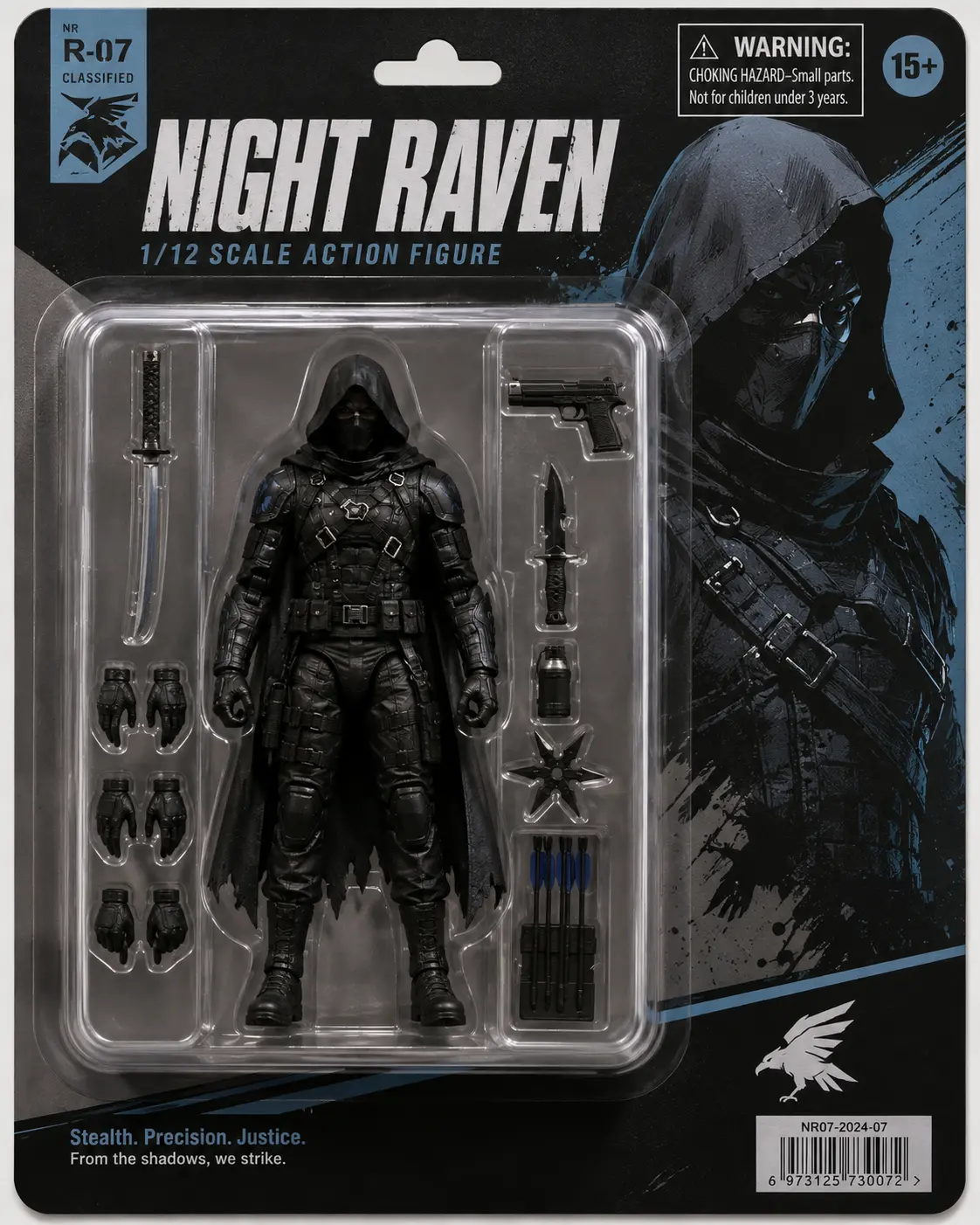
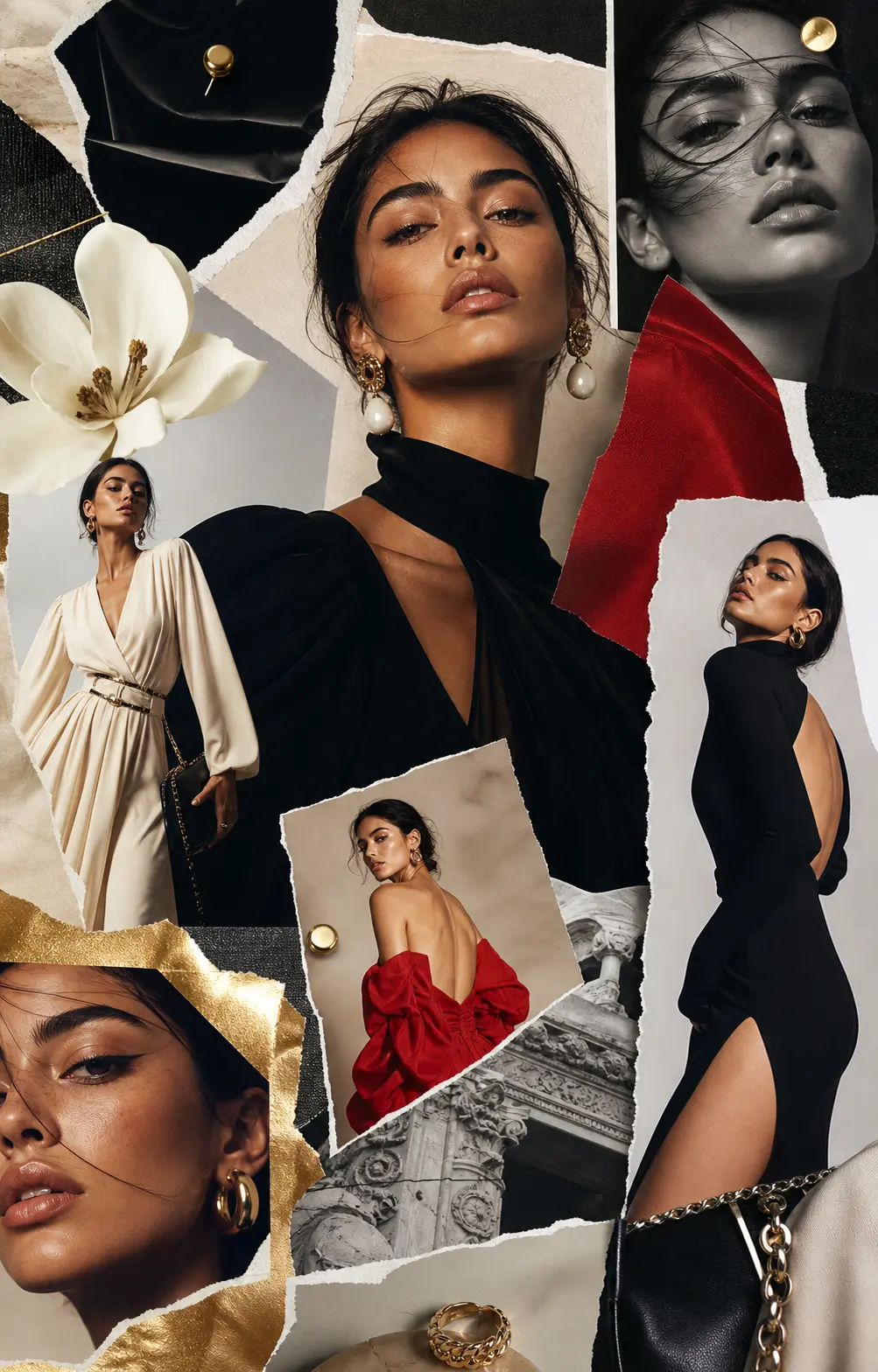
Every AI editing tool in one place, without switching apps
Upload a photo and go: cut out backgrounds, erase objects, upscale, retouch, or restyle. Prefer to start from words? Generate a new image and keep editing without leaving the page.
Edit any photo with a text prompt
Describe the change in plain language: swap a background, remove a photobomber, brighten a dark shot. The editor handles the rest.
Remove backgrounds and objects in one place
Background removal, object erase, upscale, inpaint, and extend all live in the same editor. No more bouncing between single-purpose apps.
Text that actually reads
Multilingual typography sharp enough to print on a poster: English, Chinese, Japanese, Arabic, and more.
Faces and products stay consistent
Lock a face, an outfit, a product, and keep it consistent across every edit and variation.
Generate a new image from scratch
No source photo? Start from a prompt and create a new image, then refine it with the same editing tools.
Upscale to 4K
Sharpen and enlarge low-res shots to crisp 4K without the mushy AI artifacts.
How to edit a photo with AI in three steps
No layers, no masks to learn. Upload, describe the change, and let the editor do the work.
- Step 01
Upload your photo
Drop in any image you want to edit — or skip this and start from a text prompt to generate one.
- Step 02
Describe the edit
Say what you want in plain words: remove the background, erase that object, upscale, retouch, or restyle.
- Step 03
Get it in seconds
Preview the result, refine it with another prompt, or download. Keep editing until it's right.
What people actually make with it
One editor for every kind of photo edit, whatever you're fixing.
Product photography
Translucent bottles, layered textiles, polished hardware — clean studio lighting on demand.
Marketing campaigns
Multilingual posters, social cuts, and seasonal banners with text that reads sharp at 4K.
Character & story
Lock a face, outfit, and palette across an entire character sheet or short scene.
Editorial concepts
Magazine-grade portraits and lifestyle scenes that don't look AI-generated.
Social content
Reels covers, thumbnails, and stories. Start with a square, export to every ratio in one pass.
Infographics & diagrams
Turn data, recipes, and reasoning into accurate, readable visual explainers.
The specs, in plain numbers
Here's what the editor can do for the photos you edit.
- 4KMax output resolutionPremium quality on supported models
- 14Reference images per generationBlend brand, character, and scene in one pass
- 5Subjects kept consistentAuthorized character references across stills and clips
- 30+Languages rendered as crisp textEnglish, Chinese, Japanese, Arabic, and more
How creators can put it to work
Build a multilingual campaign poster in one prompt, with Chinese typography that stays readable instead of requiring a separate cleanup tool.
Example workflowBrand design · Multilingual campaign poster · GPT Image 2 Upload one character reference and carry the same face, outfit, and visual identity across an eight-panel character sheet.
Example workflowIllustration · Character sheet · Nano Banana Pro Turn a basic product reference into polished hero images that can replace generic stock placeholders across a storefront.
Example workflowE-commerce · Product hero · Nano Banana 2
Illustrative workflow examples, not customer testimonials.
Built for the photos you already have
PixMelody started with a simple problem. Most AI tools stop at generating one pretty image, but real work means editing the photos you already have: removing backgrounds, erasing objects, upscaling, retouching, and restyling.
So we built a full AI photo editor where every edit lives in one place, and generation is there too whenever you need a fresh image. We're an independent product with our own point of view on craft, and we're not tied to any single model release.
Sign up takes a minute, free credits land in your account, and you can be editing a real photo five minutes from now.
Frequently asked questions
What people ask before signing up
Ready to edit your photos with AI?
Upload a photo, describe the change, and keep going until it looks right — or generate a fresh one from a prompt.