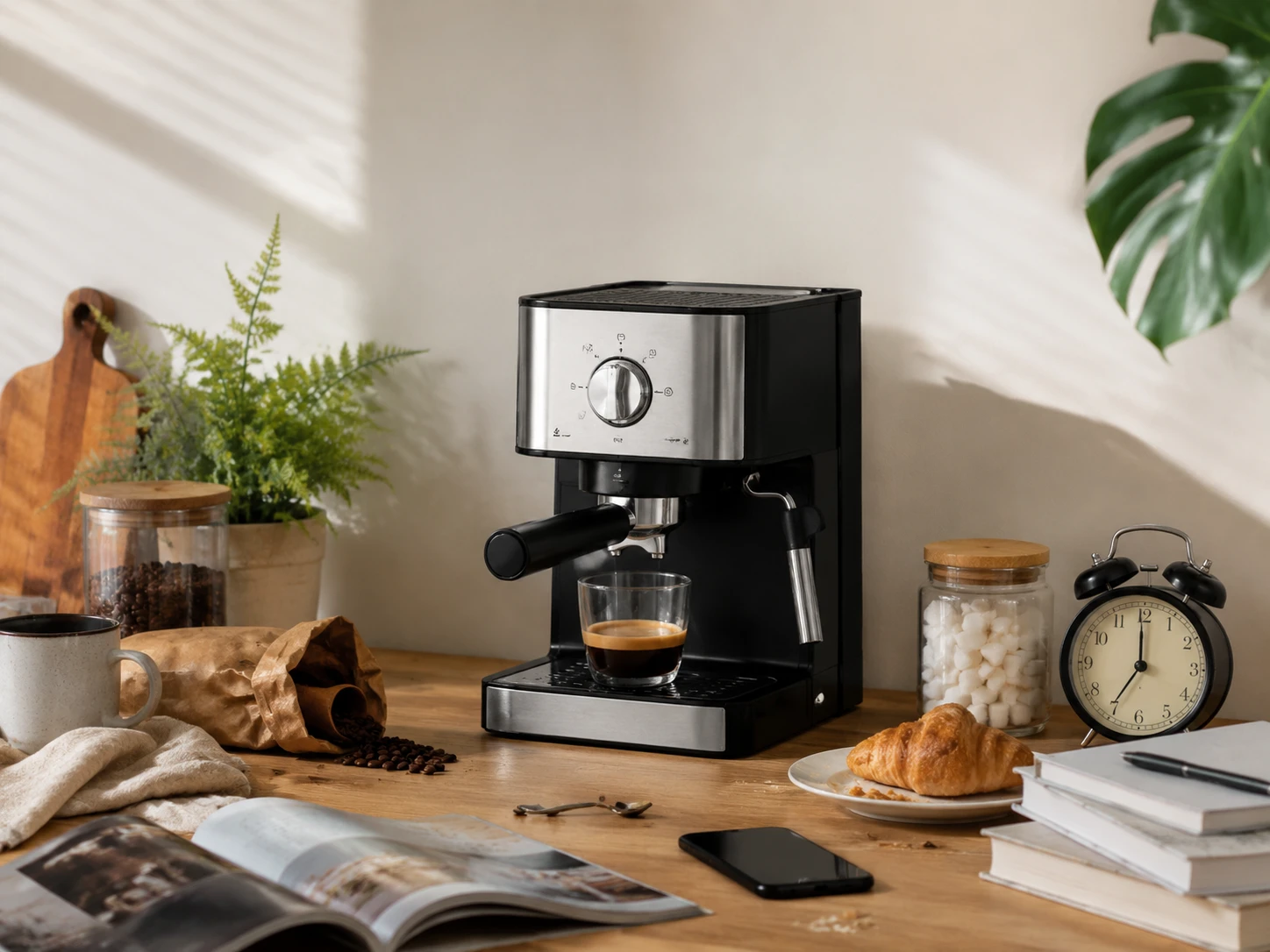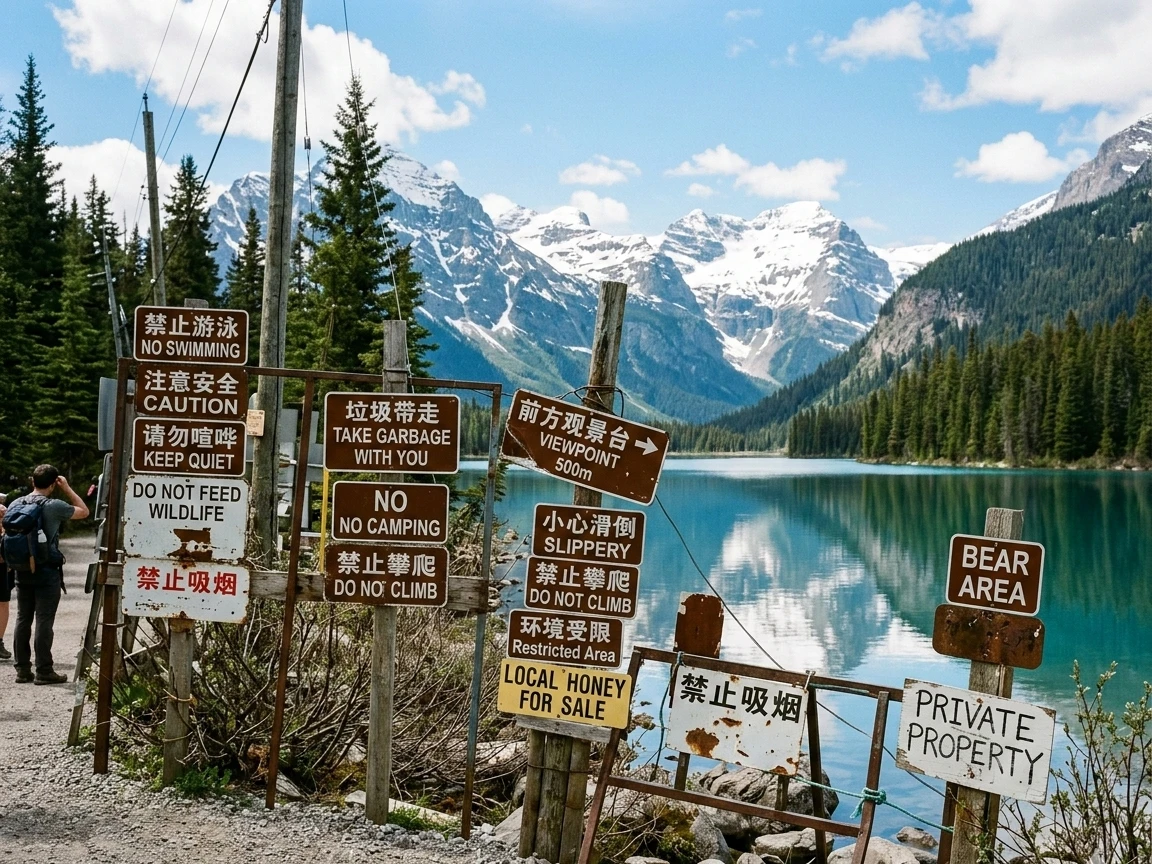
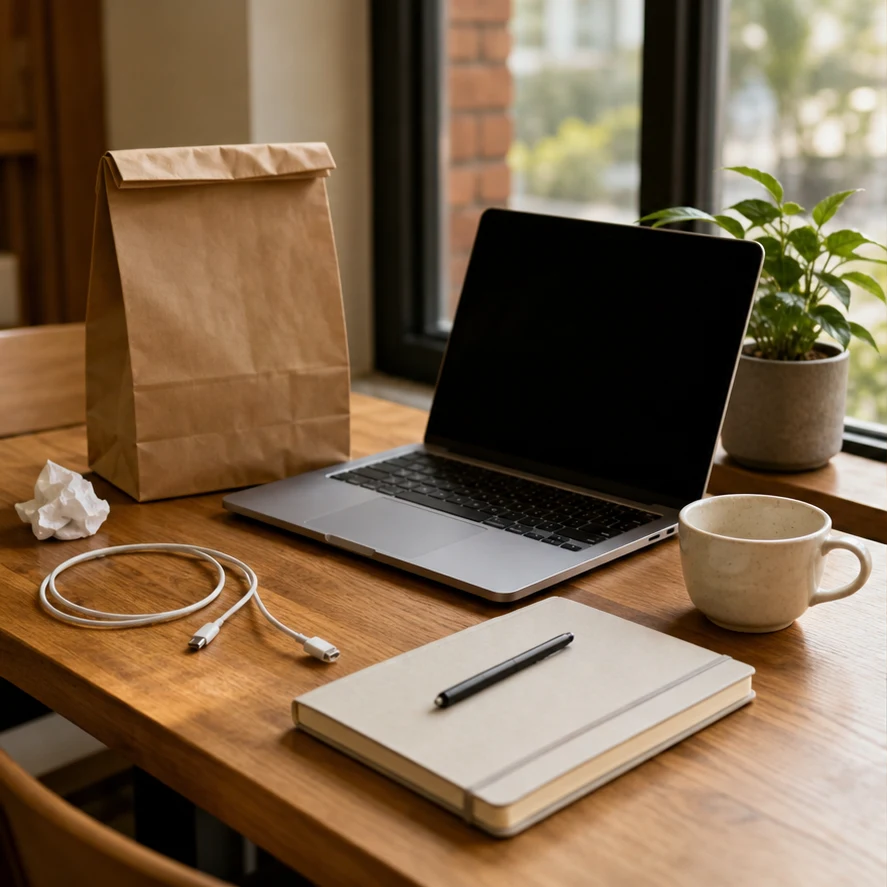
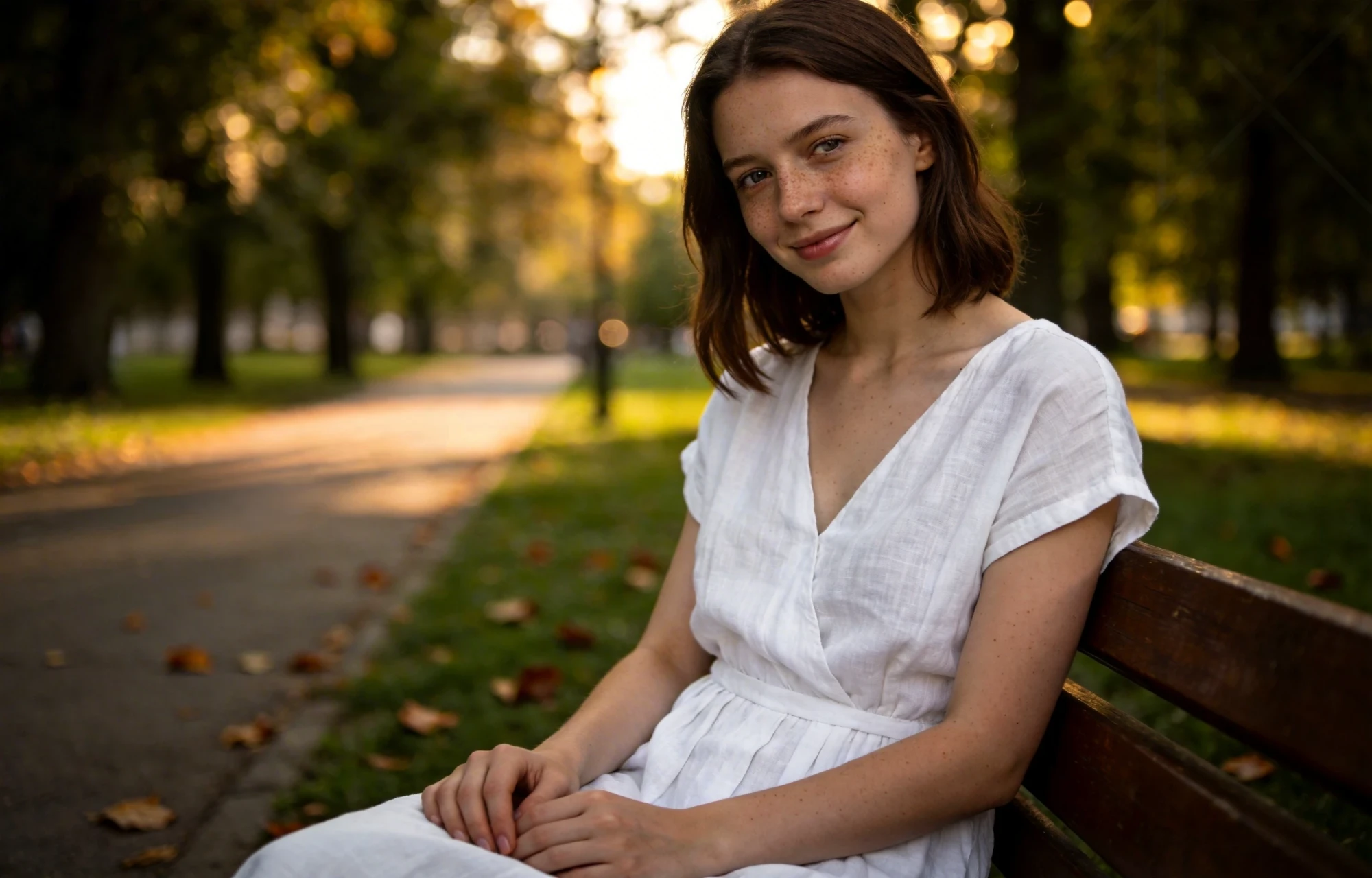
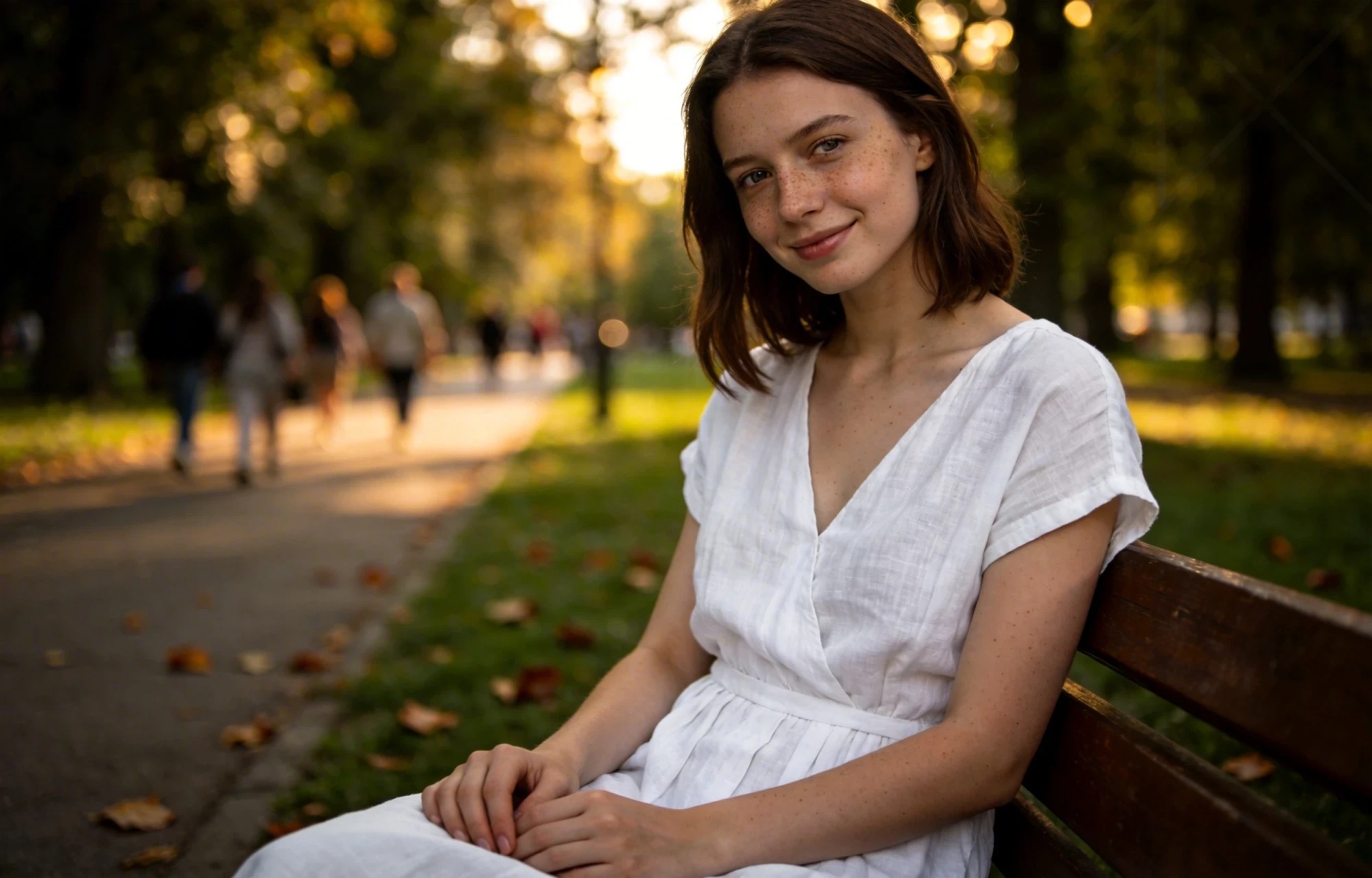
Before
After
01
Photobomber removed
Brush over unwanted people or objects and rebuild the background from the surrounding scene.
Remove unwanted objects, people, and blemishes from any photo with our AI object remover. Brush over what you want gone and AI fills the area to match the surrounding scene — seamlessly.
Drop an image to start — your result appears here
10 credits per run
Upload a JPG, PNG, or WebP image up to 10MB.
Brush over the object, person, or area you want to remove.
The AI object remover fills the masked region to match the surroundings and returns a clean photo.
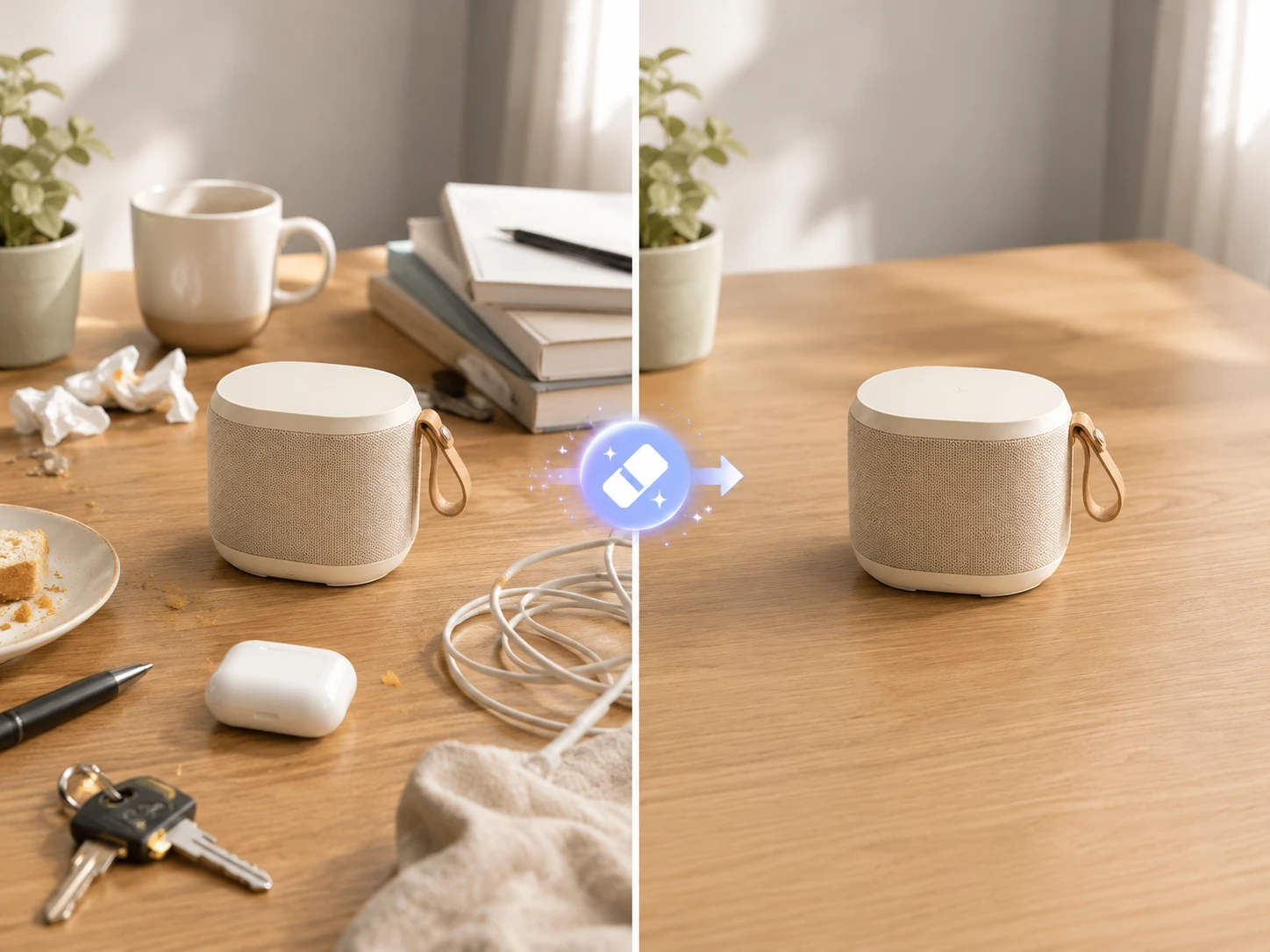
Three concrete moments where this tool saves a step.
Remove stray props, reflections, and clutter for distraction-free listings and catalogs.
Remove photobombers and crowds so the location — not the strangers — is the focus.
Tidy rooms by removing cables, signage, and personal items before listing.
Drag each image to see what changes, then run the same workflow on your own upload.
Brush over unwanted people or objects and rebuild the background from the surrounding scene.
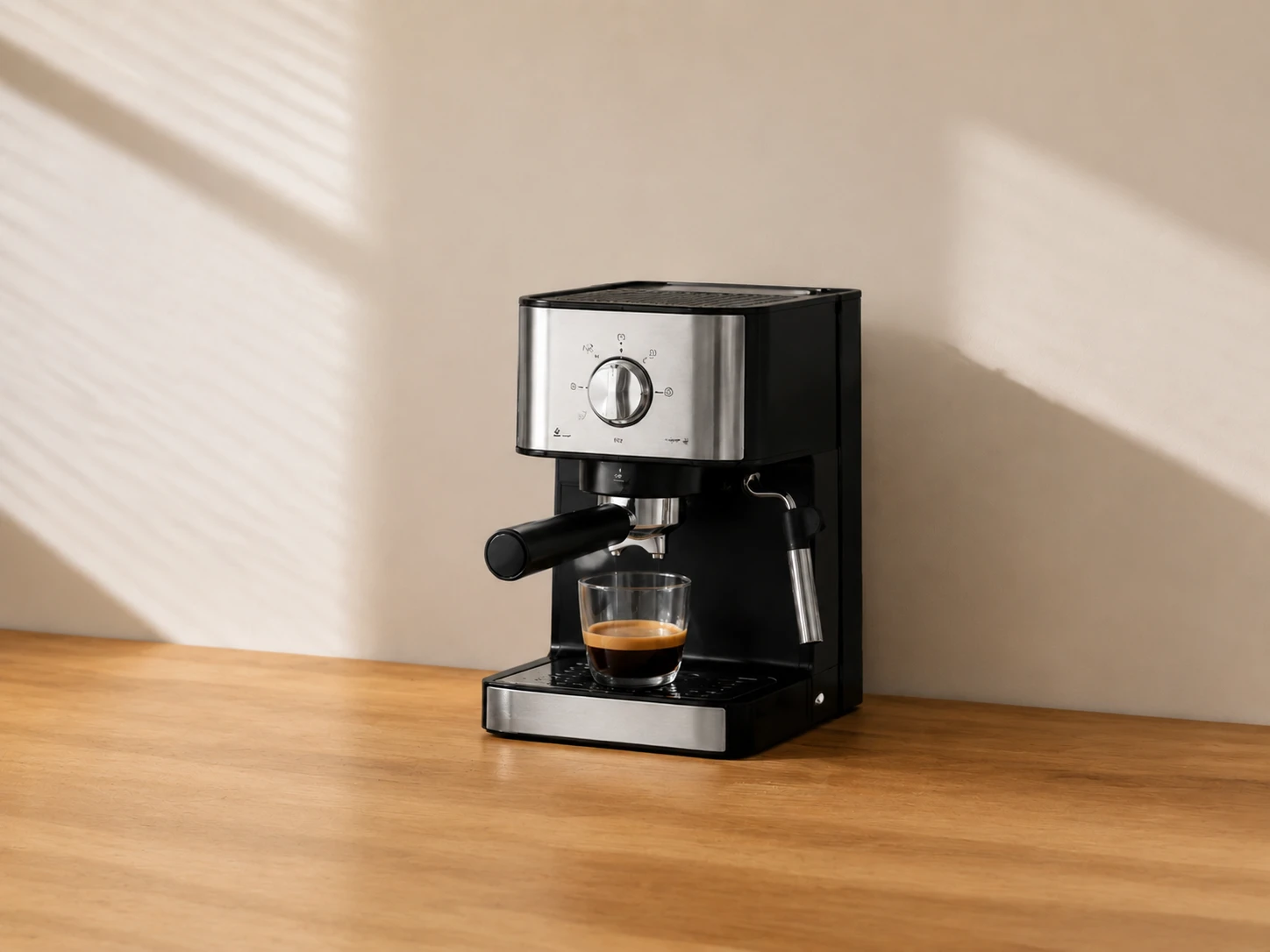
Remove stray props, dust, tags, or table clutter so the product stays the clear focus.
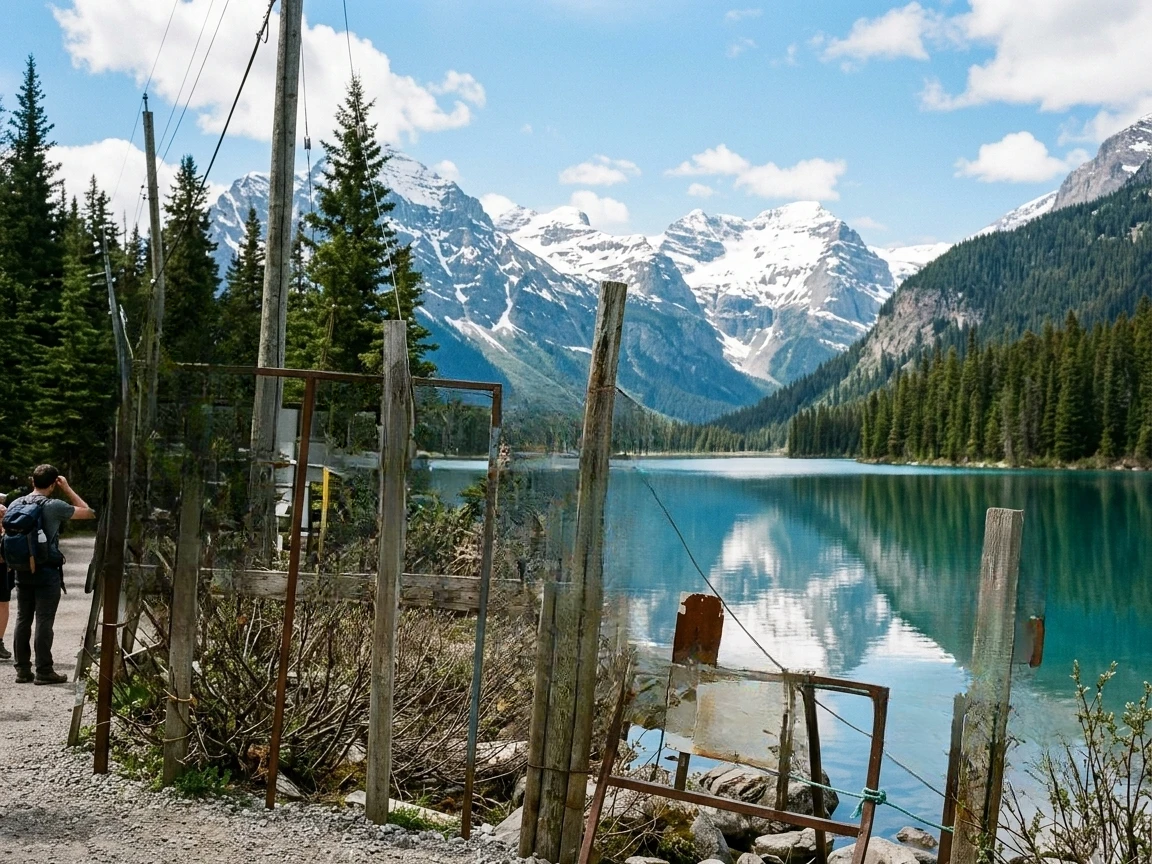
Remove power lines, signs, and small objects while preserving the original photo's composition.
Paint exactly what should disappear with an adjustable brush, undo, and clear controls.
Once the object is removed, AI rebuilds the area from the surrounding textures and light, leaving no obvious hole.
No layers or clone-stamp work — brush, remove, and download in the same panel.
Nano Banana 2
Nano Banana 2 keeps the speed of the base model but adds a quality dial — preview at 1K, sign off at 2K, ship at 4K. The detail in faces, hands, and material textures survives the upscale.
GPT Image 2
GPT Image 2 takes a long brief and gives back a finished image with the type set right, the references locked, and the world it depicts true to life — what diffusion-only models still get wrong.
AI Old Photo Restoration
Upload old, faded, scratched, or low-contrast scans and PixMelody repairs damage, restores detail, and recovers natural color — with optional realistic colorization for black and white prints, while preserving the original people and scene.
AI Product Photography Generator — Product Hero AI
Turn ordinary product shots into hero-grade e-commerce visuals — lifestyle context, studio softbox setups, editorial flatlays — ready to drop into e-commerce listings, ad creative, and brand campaigns.
AI Glow Up Filter — Natural Beauty Portrait
Upload a portrait or selfie and the AI Glow Up filter gently lifts skin, eyes, lighting, and overall energy — same person, but as if a professional photographer reshot you. Identity preserved, ready for avatars, IG content, and personal brand pages.