Pick a tool, drop in an image
Each tool is a focused workflow with its own preview. Click a card to jump straight to the tool — no popup, no detour.
Image tools
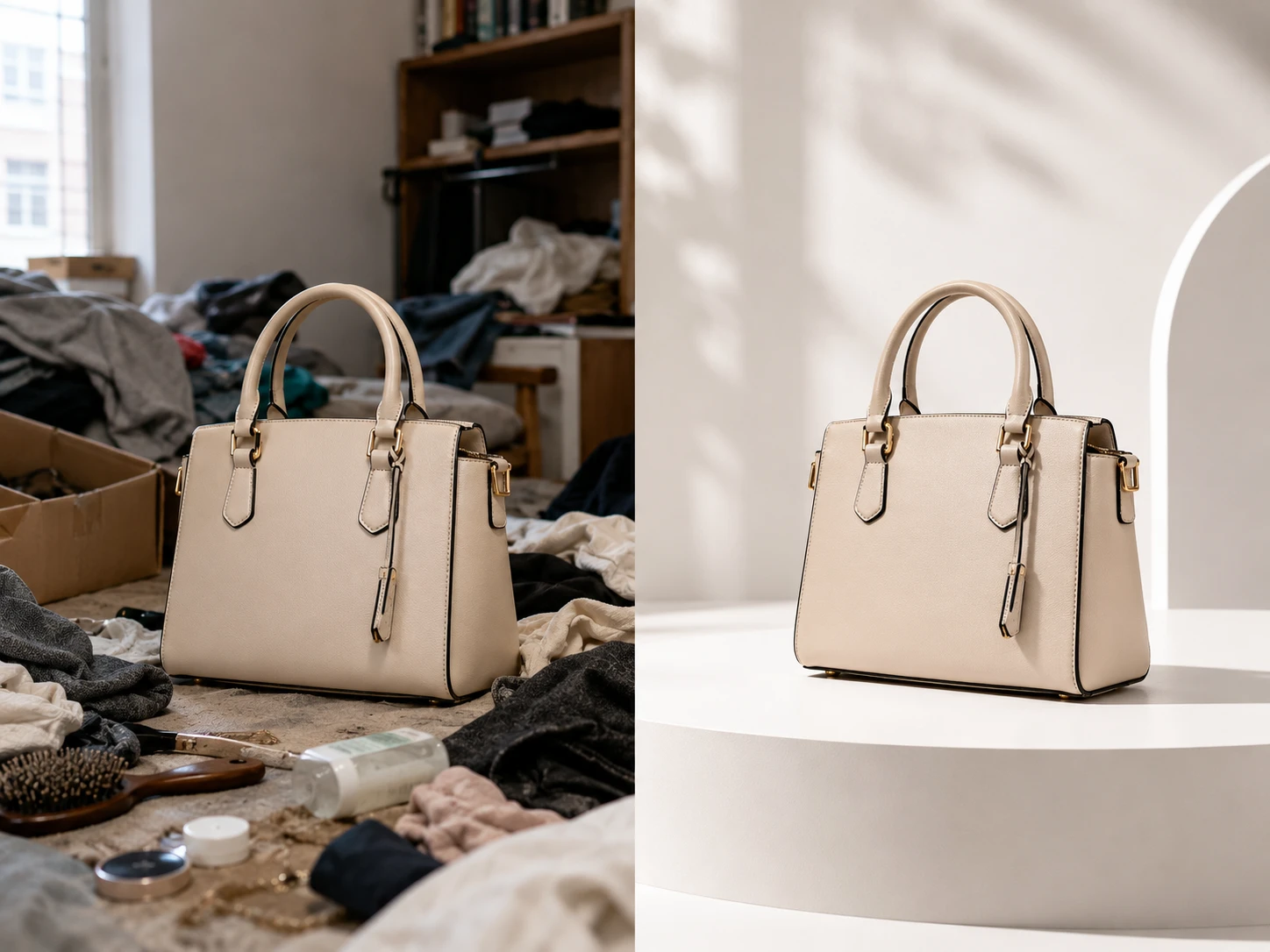
AI Photo Editor
Upload a photo, describe the change, and get a clean result in seconds — remove or swap backgrounds, erase objects and people, retouch, upscale to 4K, and restyle. No layers, no masks, no design skills required.
Open tool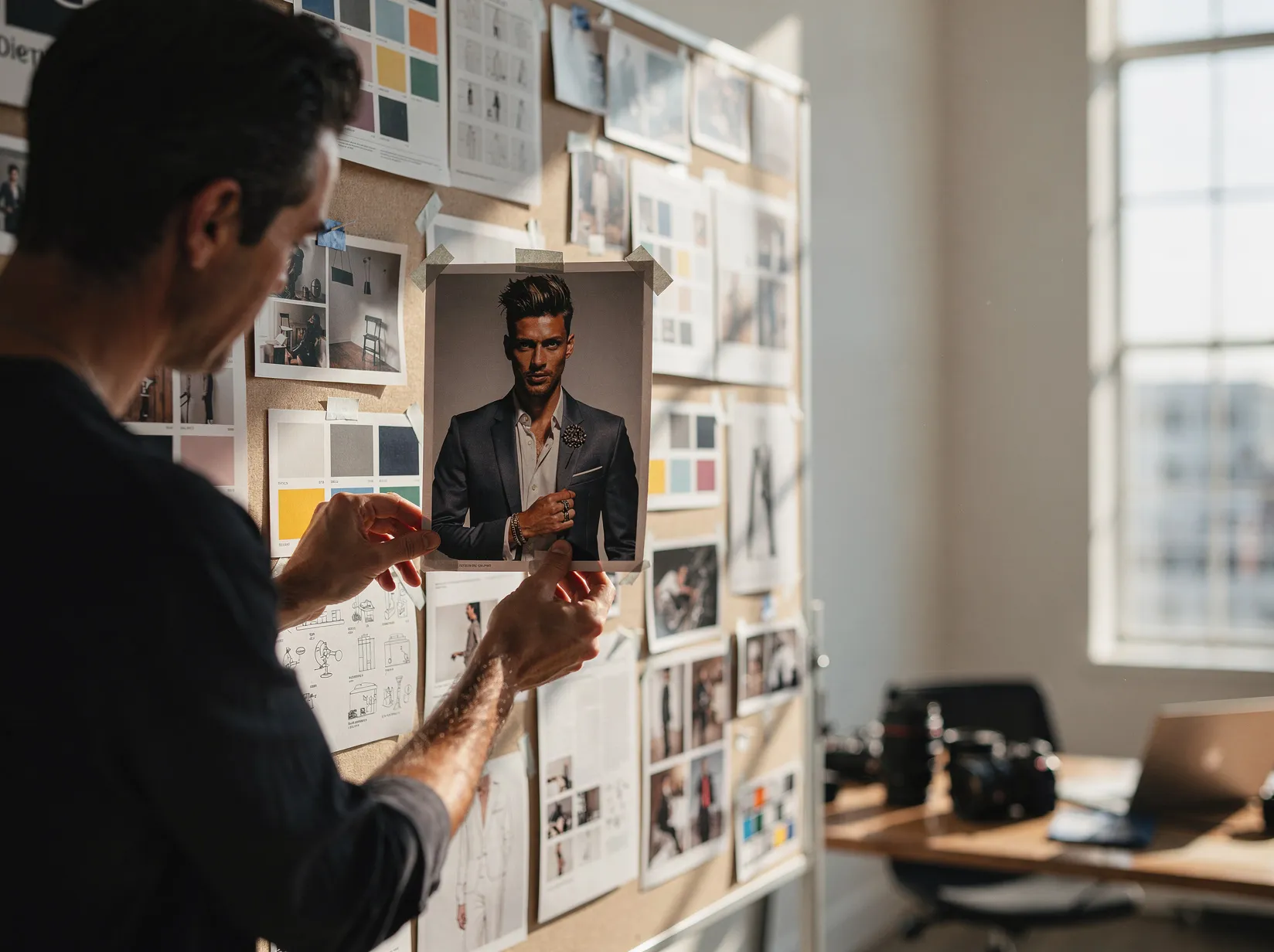
Image to Prompt
Upload an image and get a reusable AI image prompt plus short style notes.
Open tool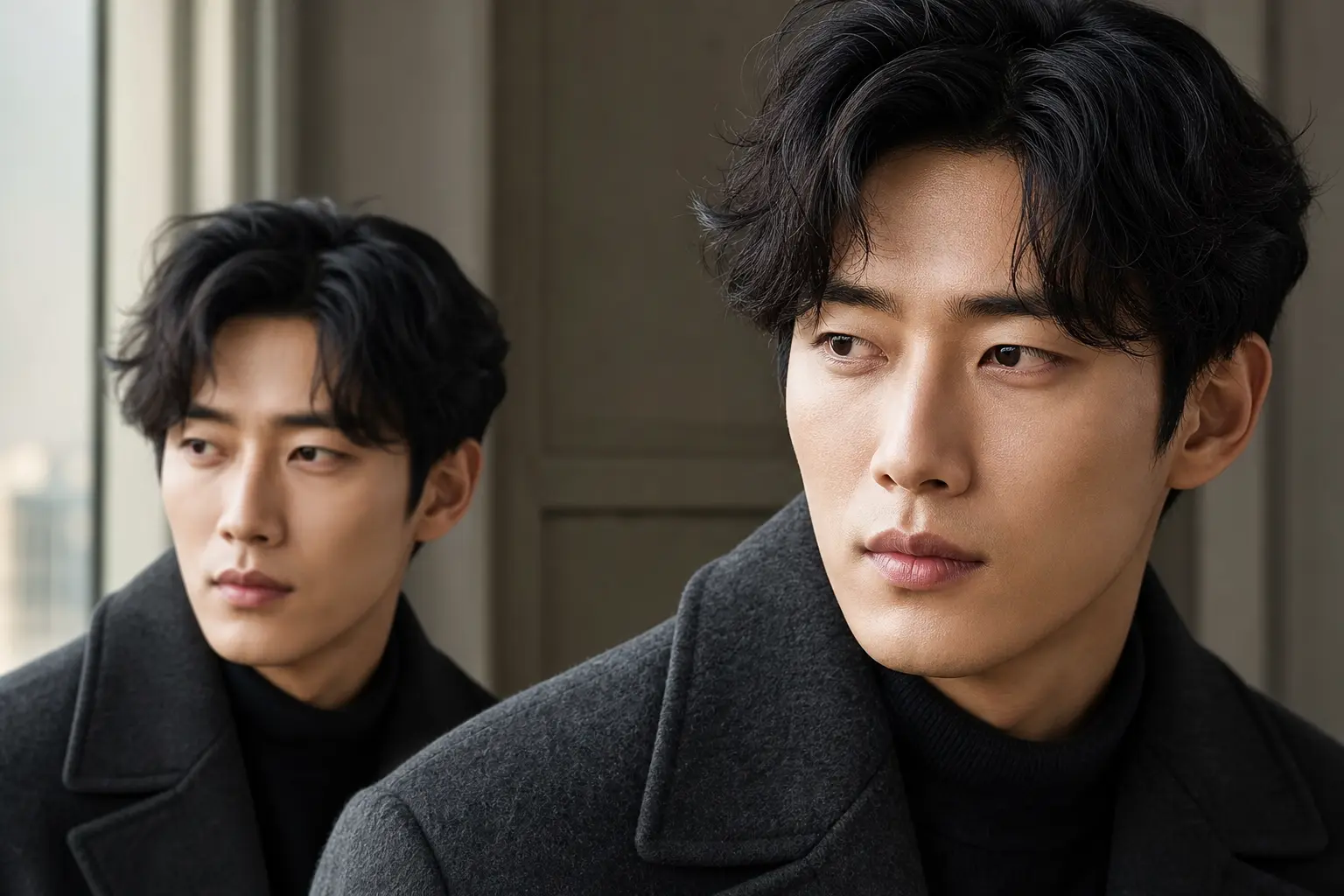
AI Image Upscaler
Upload one image, choose a scale factor, and upscale it through the existing Replicate upscaler integration.
Open tool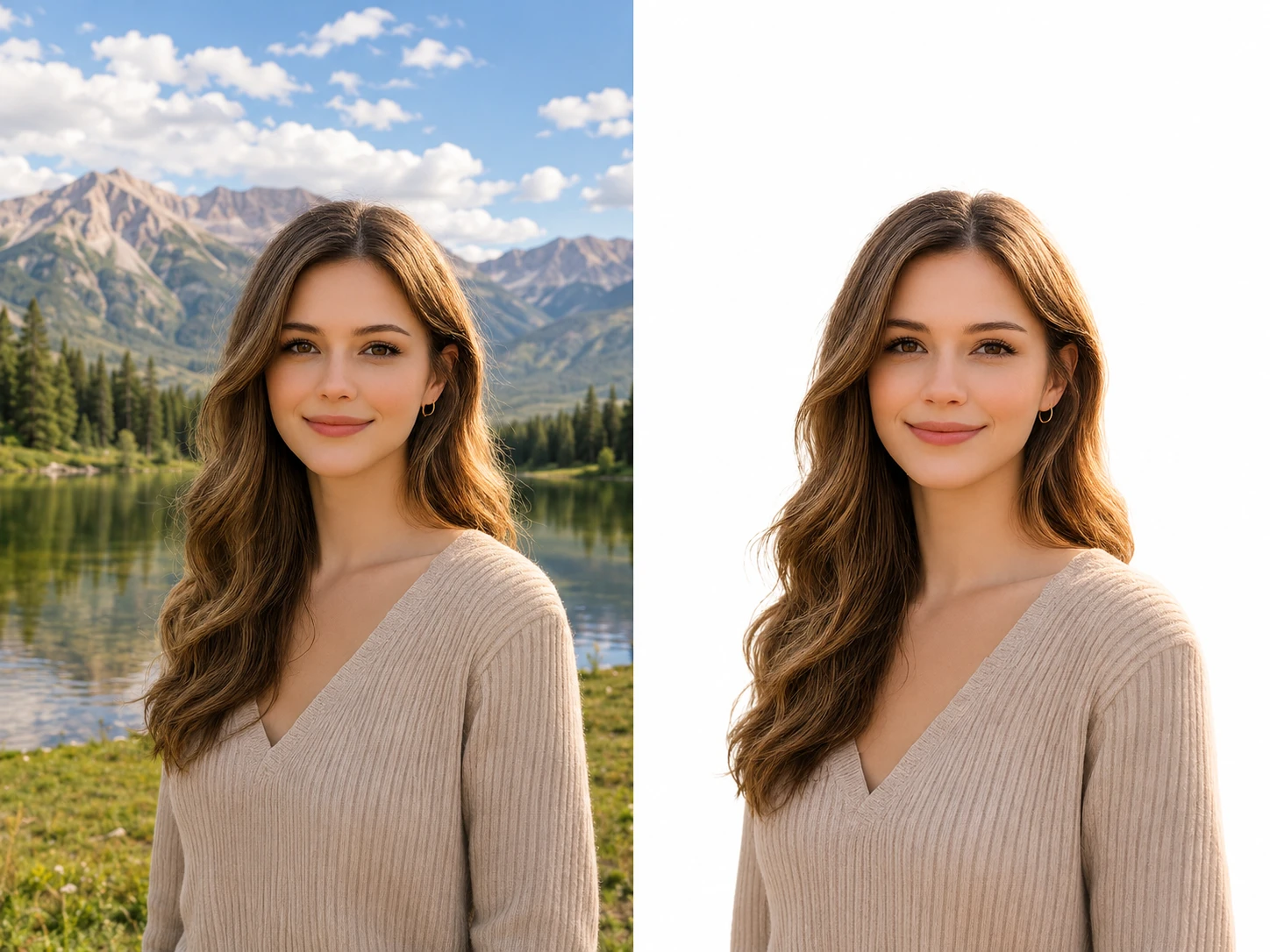
Remove Background
Upload one image and remove its background through the Replicate background remover integration.
Open toolAI Background Changer
Change the background of any photo in seconds with our AI background changer. Upload an image, describe the scene you want, and AI replaces the background while keeping your subject sharp and natural.
Open tool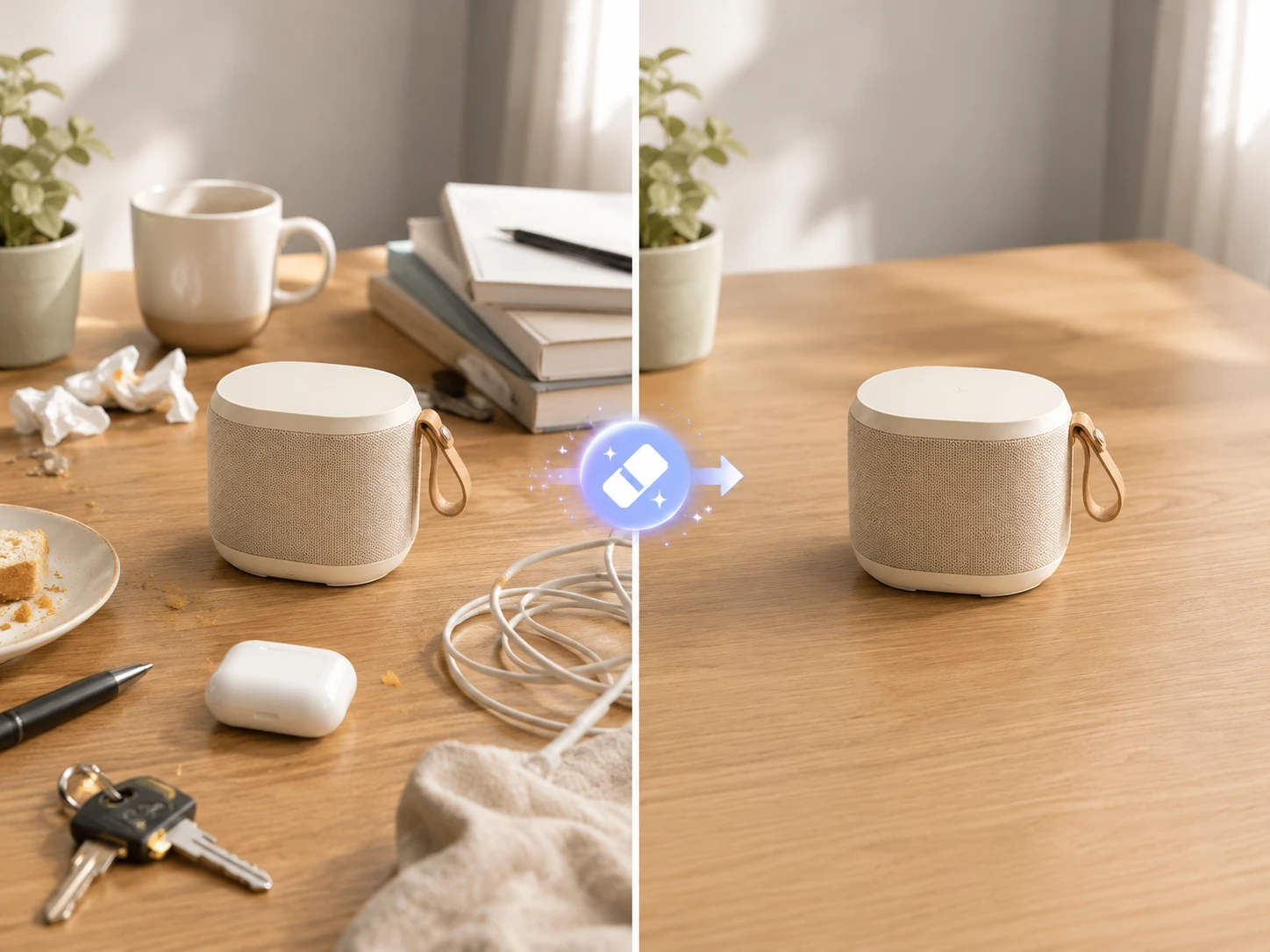
AI Object Remover
Remove unwanted objects, people, and blemishes from any photo with our AI object remover. Brush over what you want gone and AI fills the area to match the surrounding scene — seamlessly.
Open tool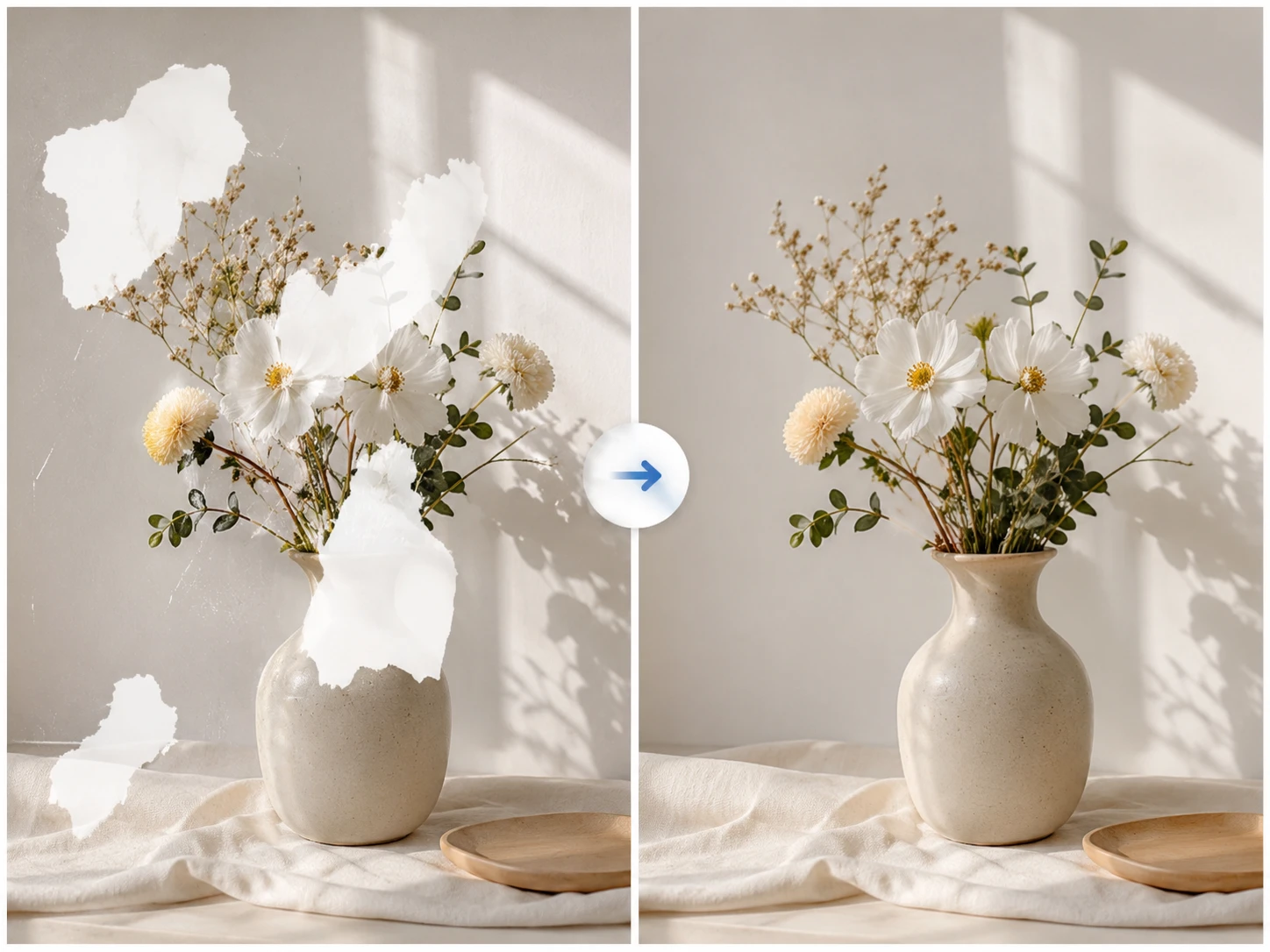
AI Image Inpaint
Brush over the exact area you want to change, then describe the replacement. Use AI inpainting to fix product labels, retouch portrait details, repair old photos, or clean up small image defects without regenerating the whole image.
Open tool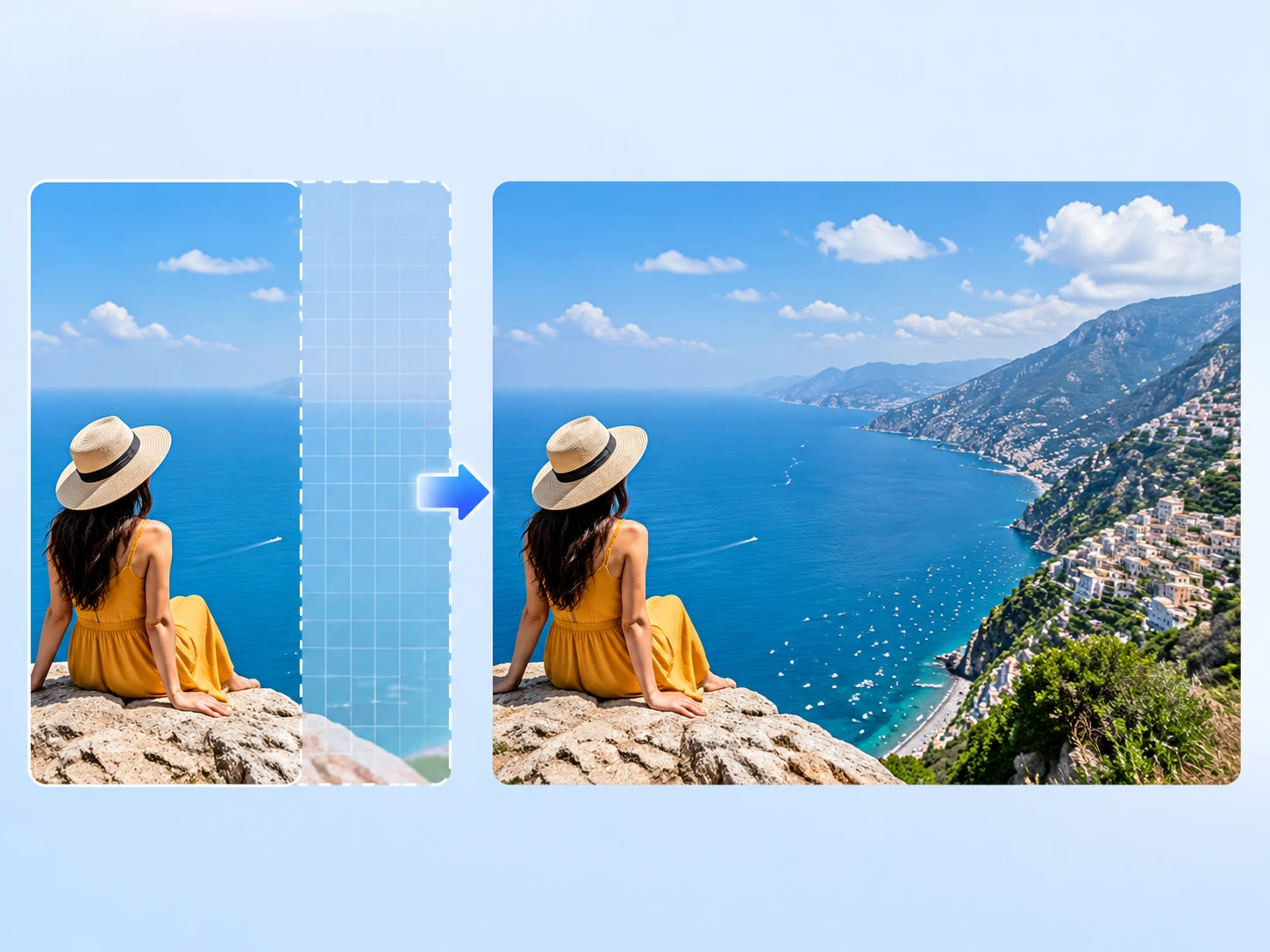
AI Image Extender
Turn a tight crop into a ready-to-use layout. Upload a portrait, product photo, travel shot, or room image, choose the final frame, and AI outpainting adds realistic space for thumbnails, storefront banners, social ads, and listing photos.
Open tool